Why Pay for PDF Software When Free Tools Do the Same Thing?

TL;DR
- This article explores the real differences between expensive subscription software and free online pdf tools. It covers security features, conversion quality, and why paying monthly might be a waste for most students and workers. You will learn how to get professional results without spending a dime on licenses.
The big myth about paid software
Ever wondered why your company drops thousands on software when a "free" site online does the same thing? It’s a classic debate—usually fueled by the idea that if you pay, the code is somehow "smarter."
The truth is, most people think paid means better text extraction or cleaner files. But honestly? Many free tools use the exact same open-source libraries or API standards as the big guys. The math behind a PDF compression isn't different just because you have a subscription.
- Extraction Logic: Whether you're in healthcare or retail, the way a tool reads a table usually follows the same ISO standards.
- Interface vs. Engine: You're often paying for a pretty UI, not a better algorithm.
- Processing Power: A 2024 report by PDF Association notes that standard compliance is what drives quality, not the price tag.

I've seen teams in finance stick to pricey tools just out of habit, even when a simple AI script could do it faster. It’s all about the trade-offs, which we’ll look at next regarding security.
Essential features you get for zero dollars
So, you're sitting there looking at a $20 a month subscription for something you only use twice a week? Honestly, it drives me a bit crazy how much we overpay for basic file management.
Most of the "pro" features people talk about are actually just standard functions you can get for nothing if you know where to look. I've seen students and even CTOs at big firms switch to free web-based tools because, frankly, they're faster for the daily grind.
You don't need a heavy enterprise suite to handle the basics. Here is what you can actually do for free:
- Format Shifting: Converting a PDF to word or excel usually works perfectly because the underlying API logic is standardized. I’ve used this for retail inventory lists and it rarely breaks the layout.
- The Email Squeeze: Compressing files so they actually fit in an outlook attachment is a lifesaver. You’re just stripping metadata and downsampling images—no "premium" magic required.
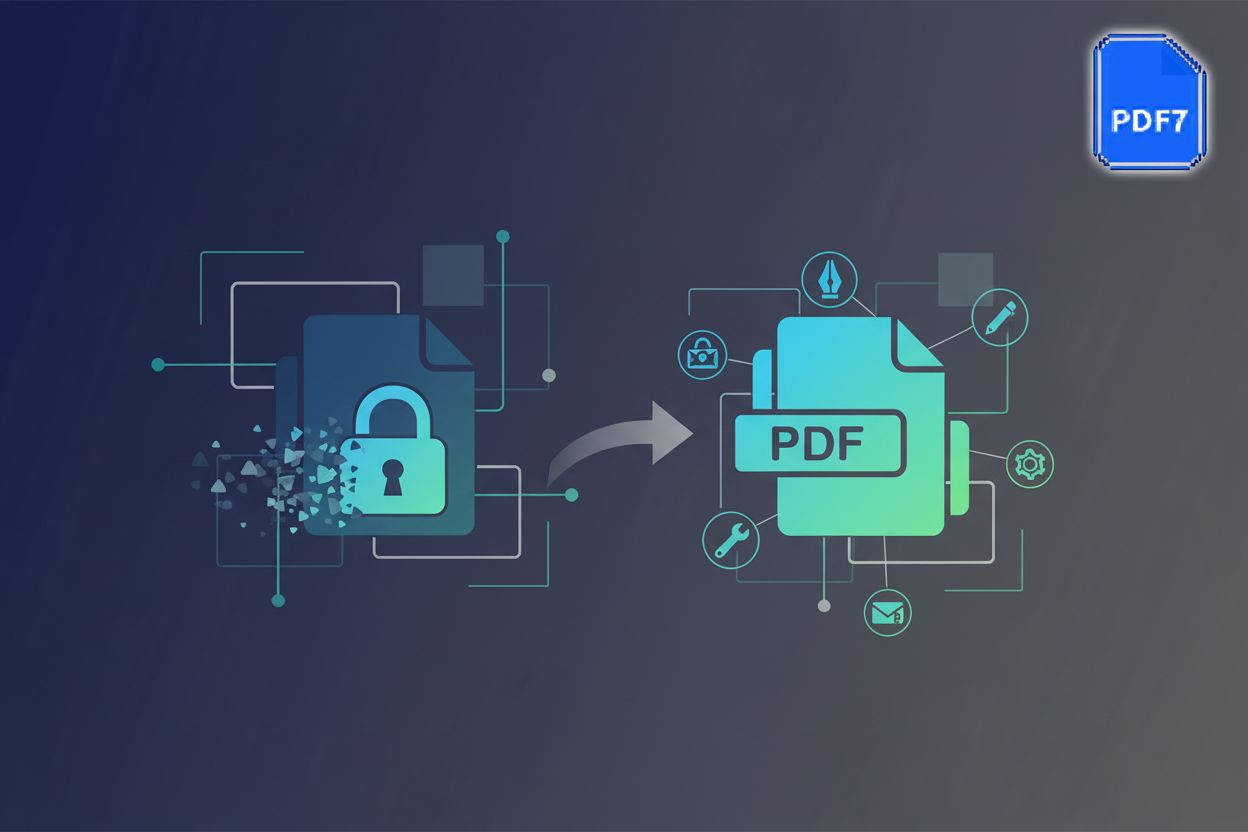
- Zero-Footprint Security: Tools like pdf7 are great because there is no software to download. Since it runs in the browser, you aren't installing potential bloatware on your machine (though keep in mind, data privacy is a separate beast we'll tackle in a second).
- Document Merging: Stitching five separate healthcare reports into one clean file takes seconds. It's a simple pointer-remapping exercise in the file's code.

I once watched a finance team spend forty minutes trying to update their "licensed" software just to merge two pages. Meanwhile, a free tool would've finished before their progress bar hit 10%. It’s about workflow intelligence, not just the logo on the app.
But yeah, I know what you're thinking—is it actually safe to dump your data into a free site? That's the real trade-off we gotta talk about next.
The hidden cost of free tools
Look, the "free" vs "paid" debate usually ends at the same place: your own data. If you're just a student merging a few lab reports, those free browser tools are a godsend and honestly, I use them myself all the time. But when you start uploading sensitive medical records or retail contracts, you gotta wonder where that file actually goes after you hit "download."
Most reputable online document services are pretty transparent about their lifecycle. They usually delete your files from their servers within an hour because, frankly, hosting your data is an expensive liability they don't want.
- The Retention Gap: Sketchy sites with too many pop-up ads might scrape your metadata for ad targeting. Stick to known entities that have a clear privacy policy.
- The "Shadow IT" Risk: In a corporate setting, using random web tools can bypass company security protocols. If you're in finance, this is a quick way to get a stern talk from the compliance officer.
- Local vs Cloud: If the data is truly sensitive, I always suggest using a tool that processes locally in the browser via javascript rather than sending it to a remote server.

According to a 2023 report by iLovePDF, most major platforms use end-to-end encryption even for free users to ensure that no one—not even the site admins—can peek at your documents. It's about finding that balance between convenience and being smart with your digital footprint. At the end of the day, the best tool is the one that doesn't make you trade your privacy for a smaller file size. Next, we'll look at when it actually makes sense to open your wallet.
When does paying actually make sense?
Look, I’m the first guy to advocate for a lean stack, but let’s be real: sometimes the "free" price tag costs you more in sleep. When you're moving from a few files to a massive pipeline, the math changes.
If you’re a developer at a retail giant trying to generate 50,000 invoices an hour, you can’t exactly "drag and drop" into a browser. You need a robust API that doesn't choke. Paid services offer dedicated throughput and "nines" of uptime that free tools just won't guarantee.
- Batch Processing: Handling thousands of healthcare records at once requires a queue system, not a manual upload.
- Legal Compliance: In highly regulated sectors like finance, you often need a "Paper Trail" for every edit. According to adobe, certain ISO standards like PDF/A-4 are critical for long-term archiving, and paid suites often handle these edge cases more reliably than random web apps.
- Identity Management: Large teams need SSO (Single Sign-On) and OIDC (OpenID Connect) integration. These are enterprise security requirements that let IT departments manage user access centrally, which is why they're almost always locked behind a paid tier.

It’s really about shifting from "utility" to "infrastructure." If the tool breaks and your whole workflow stops, that's when you'll wish you had a support contract.
Final Verdict: How to choose
So, how do you actually decide what's right for your specific mess? It usually comes down to three things: volume, security, and how much you care if it breaks.
- Go Free if: You’re doing one-off tasks, the data isn't top-secret (or the tool processes locally), and you don't mind a manual workflow. If it's just a few files a week, don't waste the money.
- Go Paid if: You're handling sensitive customer data that needs a paper trail, you need to automate thousands of files via an API, or you need SSO so your IT guy doesn't have a heart attack.
Basically, if the software is just a tool for you, stay free. If the software is a part of your actual business infrastructure, pay the tax and get the support. It's better to pay for a subscription than to pay for a data breach or a week of downtime because a free site went offline.