PDF Processing and Analysis with Open-Source Tools

TL;DR
- Explains why traditional OCR fails for modern RAG and LLM applications
- Introduces Vision Language Models (VLMs) as the new standard for PDF parsing
- Compares speed vs. accuracy across different open-source processing frameworks
- Details how to maintain document logic and spatial context during extraction
- Provides a decision matrix for selecting the right document processing tools
Let’s be honest. Generative AI can write sonnets, code in Python, and pass the Bar exam, but ask it to read a PDF? It chokes.
Despite the hype, the Portable Document Format (PDF) remains the "final boss" of unstructured data pipelines. It is where data goes to die. It is a binary coffin designed for printers, not Python scripts. It prioritizes visual consistency—keeping that logo exactly 20 pixels from the margin—over machine readability.
For developers building Retrieval-Augmented Generation (RAG) systems in 2026, the challenge isn't just extracting text. Any junior dev can scrape a string. The challenge is reconstructing the logic of a document from a format that fundamentally doesn't want to be read.
The market for intelligent document processing is surging toward $6 billion. We aren't spending this money because we love PDFs. We spend it because the world runs on them. Contracts, financial reports, scientific papers—the operating code of global business is locked in this format.
If your pipeline treats a PDF as a simple string of text, you have already lost. You are feeding your expensive LLMs "token soup"—broken sentences, shattered tables, and headers that float in the void.
Mastering PDF processing today requires a shift in mindset: stop parsing code, and start analyzing visuals.
Why is PDF Parsing Changing? (The Rise of Vision-First)
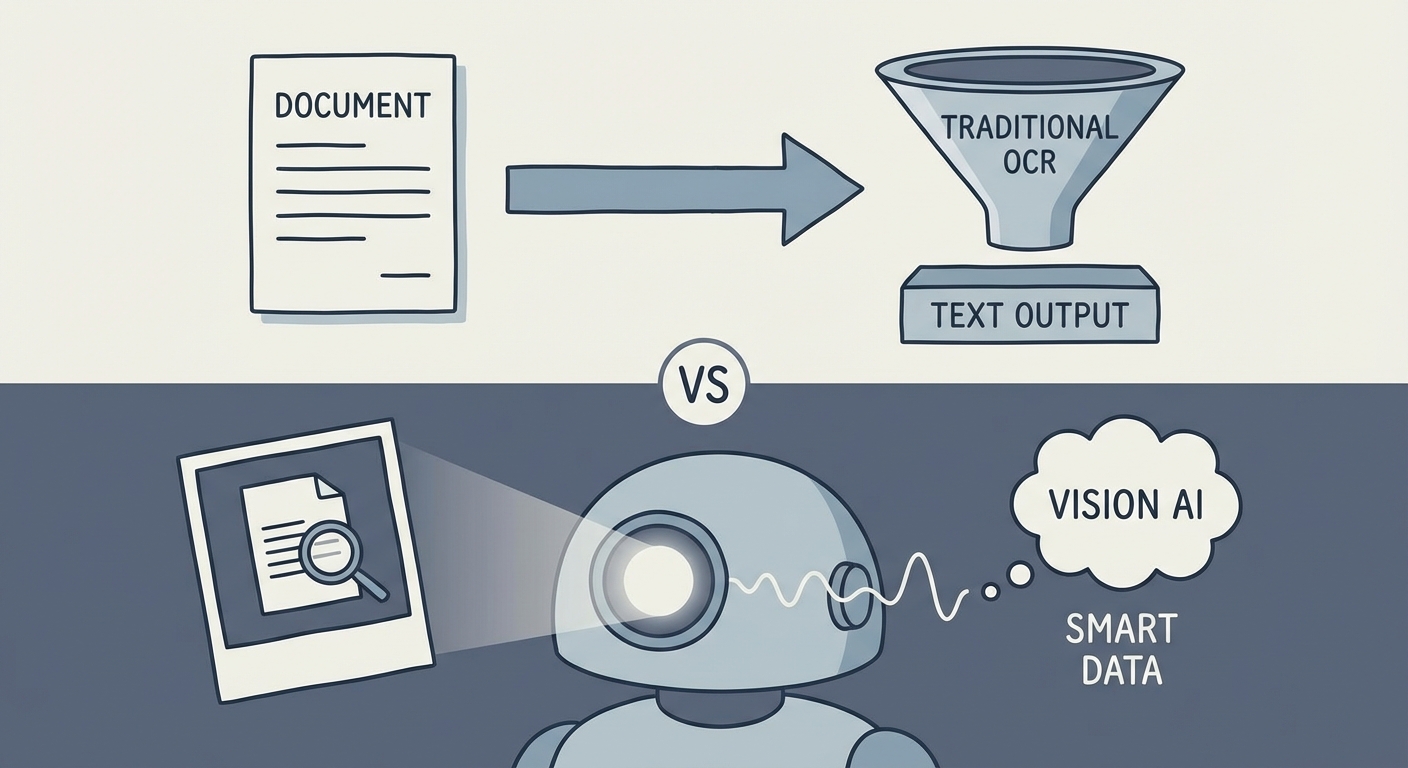
For the last decade, we relied on traditional Optical Character Recognition (OCR). It was a brute-force approach. Tools like Tesseract would scan a page, identify pixel clusters that looked like letters, and vomit out a stream of text.
The problem? They were blind to meaning.
Old-school OCR couldn't tell the difference between a sidebar annotation, a page number, and the main body text. It would merge them all into a coherent-looking but nonsensical paragraph. It flattened the world.
That era is dead. We are witnessing a massive pivot toward Vision Language Models (VLMs).
Models like ColPali: Efficient Document Retrieval with Vision Language Models represent a seismic shift in how machines read. Instead of converting the PDF to text immediately, these models "look" at the document page as a high-resolution image. They encode the visual structure—the indentation of a paragraph, the bold font of a header, the relationship between a chart and its caption—before any extraction happens.
This is the "Vision-First" pipeline. It solves the context problem by preserving the spatial relationships that human readers take for granted but standard parsers ignore.
The Benchmark: Speed vs. Accuracy (Decision Matrix)
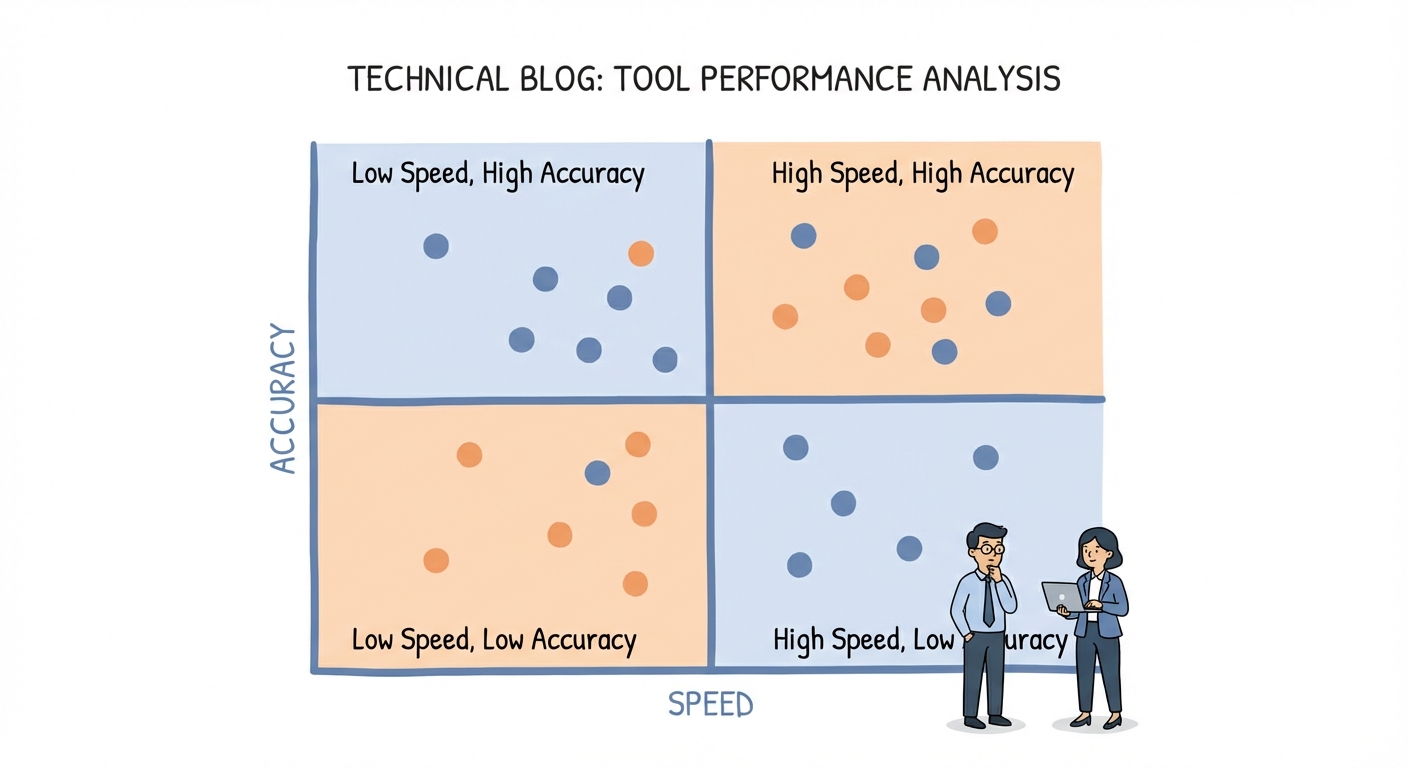
A senior engineer doesn't ask, "What is the best tool?" They ask, "What is the right tool for this specific latency budget?"
You cannot use a heavy VLM to scan a million invoices unless you have an infinite GPU budget (and if you do, call me). You need a tiered approach. You need the right weapon for the right target.
Here is the decision matrix for the 2026 open-source stack.
Tier 1: The Speed Demons (Metadata & Simple Text)
Sometimes, you just need to move fast. When you need to verify page counts, extract simple contract text, or scan metadata across a repository of terabytes, you need raw speed.
- The Tools:
pypdfium2,PyMuPDF(Fitz). - The Verdict:
PyMuPDFremains the undefeated champion of CPU-based speed. It is a buzzsaw. It will rip through thousands of pages per second. If your document is a simple wall of text, do not overengineer it. Use PyMuPDF (Fitz) and move on.
Tier 2: The "RAG-Ready" Converters (Layout Preservation)
This is the sweet spot for modern LLM applications. You don't just want text; you want Markdown. LLMs understand the hierarchy of Markdown (# H1, ## H2) intuitively. This structure makes semantic chunking significantly more effective because you aren't cutting sentences in half—you're cutting by section.
- The Tools:
Marker,Unstructured(Open Source). - The Verdict: Marker has set the new gold standard here. It uses a deep learning pipeline to detect layout and convert the PDF into clean, formatted Markdown. It strips away the noise and leaves you with the signal.
Tier 3: The Heavy Lifters (OCR & Vision)
These are for the "scanned in 1998" documents, messy handwriting, and complex layouts that baffle standard tools.
- The Tools:
Surya,PaddleOCR. - The Verdict:
Suryais a beast on a GPU. It offers line-level detection and reading order recovery that rivals proprietary APIs. It is slower than Tier 1, but it actually reads the document rather than just scraping the text layer.
How Do We Solve the "Broken Table" Problem?
Tables are the nemesis of PDF parsers.
Standard tools see a grid of numbers and flatten them into a single line of gibberish. If you feed that flattened line to an LLM, it will hallucinate relationships that don't exist. It will tell you the Q3 revenue was the page number.
The old way involved rule-based tools like Camelot or Tabula. They were brittle. If a column line was faint, or if the table lacked borders (implied grids), the extraction failed.
The new way is Hybrid Extraction. You don't try to parse the table text; you crop the table as an image and ask a model to "transcribe this image to JSON."
Here is the conceptual flow for a 2026 pipeline:
- Detect the bounding box of the table using a layout model (like YOLOX).
- Crop that region from the page image.
- Pass the crop to a local VLM (like a quantized LLaVA or GPT-4o-mini).
- Prompt: "Convert this table image into a JSON object, preserving row and column headers."
# Conceptual Python Snippet for Hybrid Extraction
def extract_table_hybrid(page_image, table_bbox):
# 1. Crop the table from the page
table_crop = page_image.crop(table_bbox)
<span class="hljs-comment"># 2. Send to VLM (Local or API)</span>
response = vlm_client.chat(
image=table_crop,
prompt=<span class="hljs-string">"Output this table as valid JSON. Handle merged cells."</span>
)
<span class="hljs-keyword">return</span> response.json()
Building a "Privacy-First" Local Stack
For legal, medical, and financial industries, sending a PDF to a cloud API is a non-starter. The data cannot leave the premise. It must be air-gapped.
Fortunately, the open-source ecosystem now allows you to build a sophisticated extraction stack that runs entirely offline.
The Architecture:
- Ingest: Use
PyMuPDFto load the file and render pages as images. - OCR: Pipe those images into
Surya(running on a local NVIDIA GPU) for text detection and reading order. - Analysis: Feed the structured text into
Llama-3orMistralrunning via Ollama for entity extraction.
This stack gives you 90% of the capability of a cloud provider with 100% data sovereignty.
However, a word of warning: maintaining this stack is heavy. Managing GPU drivers, scaling for load, and handling edge cases is significant engineering overhead. If building this feels like too much distraction from your core product, you might explore an Unstructured Data Processing API to handle the heavy lifting while you focus on the logic.
From Extraction to "Agentic" Workflows
We are moving past the era of simple "parsing." The next phase is "reasoning."
We don't just want to dump text into a database; we want an AI agent to perform work. We want the software to act like a knowledge worker.
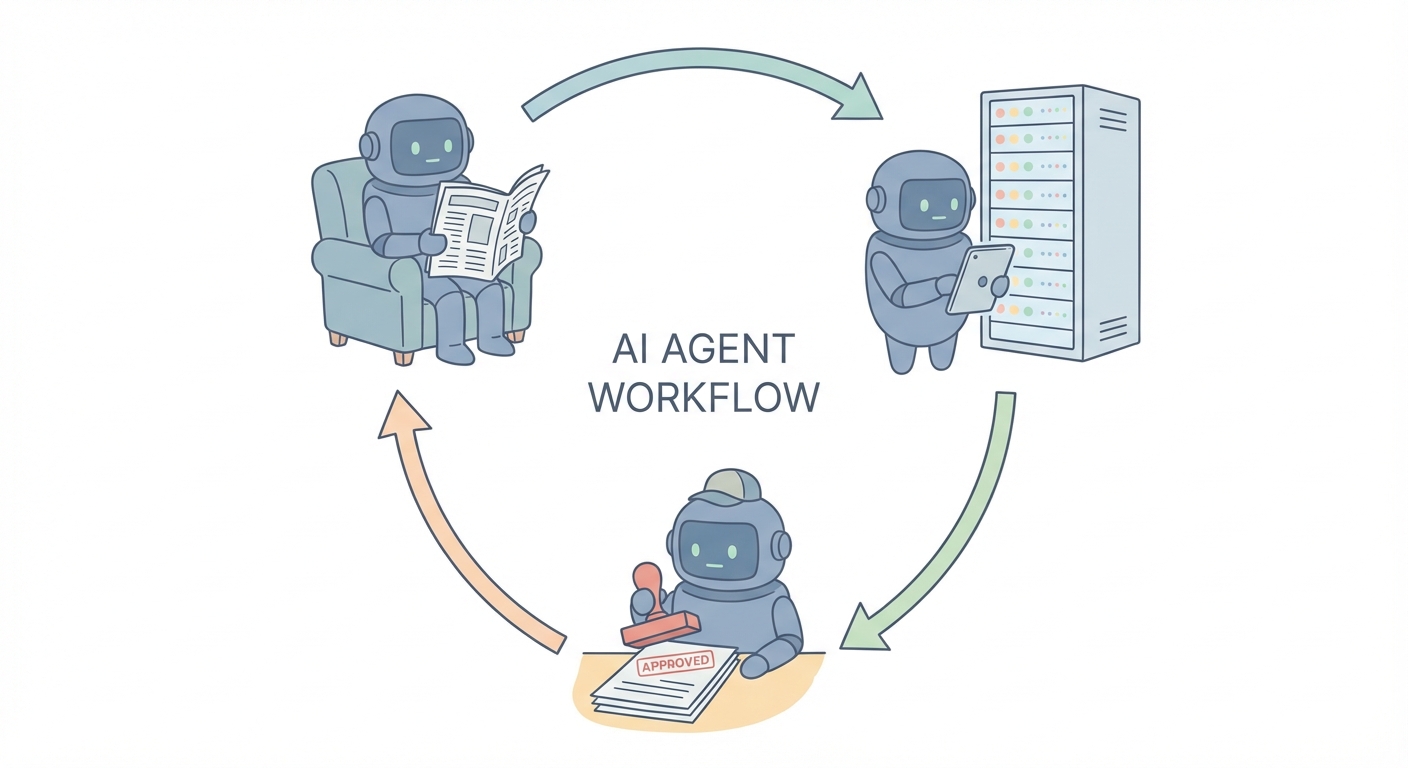
Imagine a scenario where an agent processes an invoice. It doesn't just extract the "Total Amount."
- It extracts the amount.
- It queries your internal SQL database to find the corresponding Purchase Order.
- It compares the two numbers.
- It flags a discrepancy if they don't match.
This is an AI Agent for Document Analysis. It is a loop of reading, thinking, and acting.
Best Practices for RAG Pipelines in 2026
If you are building a RAG pipeline, remember this: your extraction strategy dictates your retrieval quality. Garbage in, garbage out.
1. Chunk by Header, Not Character Count
Naive chunking (e.g., "every 500 characters") is lazy. It splits sentences in half. It separates headers from their content. By using tools like Marker to get Markdown, you can chunk by section (# Header). This ensures that when you retrieve a chunk, it is a complete, semantic thought.
2. The Hybrid Retrieval Strategy Vectors are great for concepts ("show me risks"), but terrible for specifics ("show me invoice #9942"). According to a recent LLMs vs OCRs Guide by Vellum.ai, the highest accuracy systems use Hybrid Retrieval. You combine keyword search (BM25) for exact matches with vector search for semantic understanding.
For a deeper dive into setting up this architecture, read our Guide to Building RAG Pipelines.
Conclusion
The "Final Boss" of data is beatable, but not with the weapons of the past.
The future of PDF processing is hybrid. It uses blazing-fast C++ libraries for simple pages and intelligent Vision Language Models for the complex, messy reality of human documents.
Don't settle for string extraction. Start treating your documents as visual data. If you haven't yet, start experimenting with Marker for Markdown conversion today—it is the single highest-ROI change you can make to your pipeline right now.
FAQ Section
Q1: Which open-source tool is best for RAG pipelines in 2026? For RAG, Marker is currently the top open-source recommendation. It converts PDFs to Markdown, preserving headers and hierarchy. This is essential for semantic chunking and prevents context loss during retrieval.
Q2: How do I handle tables in PDFs without losing data?
For simple grids, pdfplumber works well. However, for complex or merged-cell tables, the 2026 standard is to use a Vision Language Model (VLM). These models "see" the table structure and output it as JSON/Markdown, bypassing the need to parse the underlying PDF code.
Q3: Can I analyze sensitive PDFs locally without the cloud? Yes. You can build a fully offline stack using Surya for OCR and PyMuPDF for extraction, then feed the text into a local LLM (like Llama 3) running on Ollama. This ensures no data ever leaves your infrastructure.
Q4: Is Tesseract still the best option for OCR? Tesseract remains reliable for simple text, but modern deep-learning OCR tools like Surya and PaddleOCR significantly outperform it regarding speed on GPUs and accuracy with complex document layouts.
Q5: What is the difference between parsing and "Vision-First" analysis? Parsing converts code to text (often losing layout). "Vision-First" analysis (using models like ColPali) processes the document as an image, preserving the visual relationships between charts, captions, and text blocks.