6 Best Smart AI Tools to Solve Everyday Digital Problems Faster

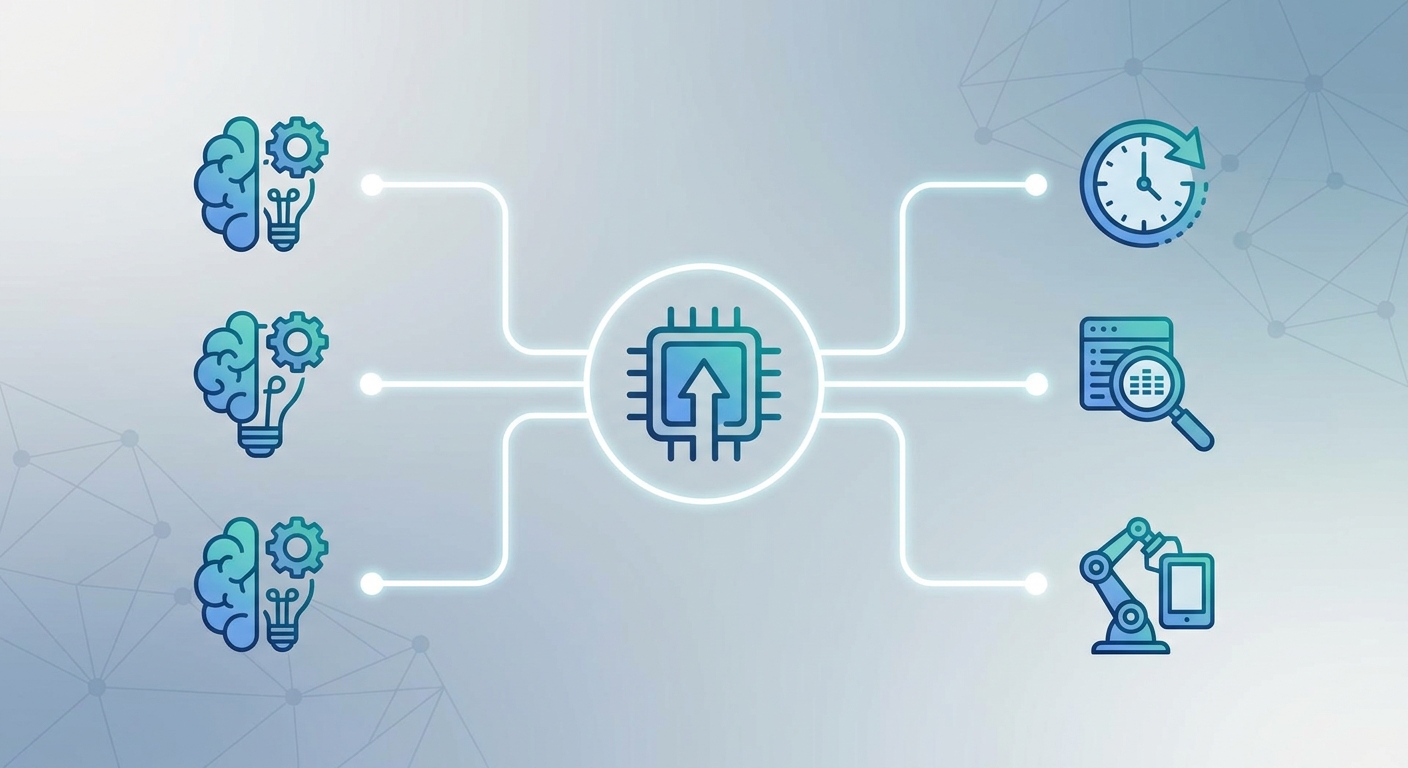
Most of us run into the same digital problems every week. Missed calls when we're unavailable. Unsecured browsing on public Wi-Fi. Hours spent on tasks that could take minutes. Repetitive work that never seems to end.
The good news is that smart AI tools now exist for almost every one of these everyday pain points. These six tools are practical, affordable, and genuinely fix specific problems rather than just adding more apps to your stack.
Quick Answers
Best for never missing a business call: Voksha
Best for private, secure internet access: SquirrelVPN
Best for automating repetitive digital tasks: Zapier
Best for managing and working with PDF documents: LogicBalls + PDF7
Best for creating original images quickly: Snapcorn
Best for AI tasks that actually need to be accurate: LogicBalls
Comparison Table
Tool | Problem It Solves | Free Option | Starting Price | Best For |
|---|---|---|---|---|
Voksha | Missed business calls | No | $49/mo | AI phone receptionist |
SquirrelVPN | Privacy on public Wi-Fi | Trial | See website | Decentralized VPN |
Zapier | Manual repetitive tasks | Yes | $19.99/mo | Workflow automation |
LogicBalls | Inaccurate AI output | Yes | $5/mo | Reliable AI work |
Snapcorn | Generic or slow image creation | Yes | $20/mo | AI image tools |
Notion | Scattered information | Yes | $10/mo | Organized workspace |
1. Voksha

Best for: Never missing an important business call when you are unavailable
Every missed call is a potential missed opportunity. For small business owners, freelancers, and professional service providers, a call that goes to voicemail often means a customer calls the next person on their list instead.
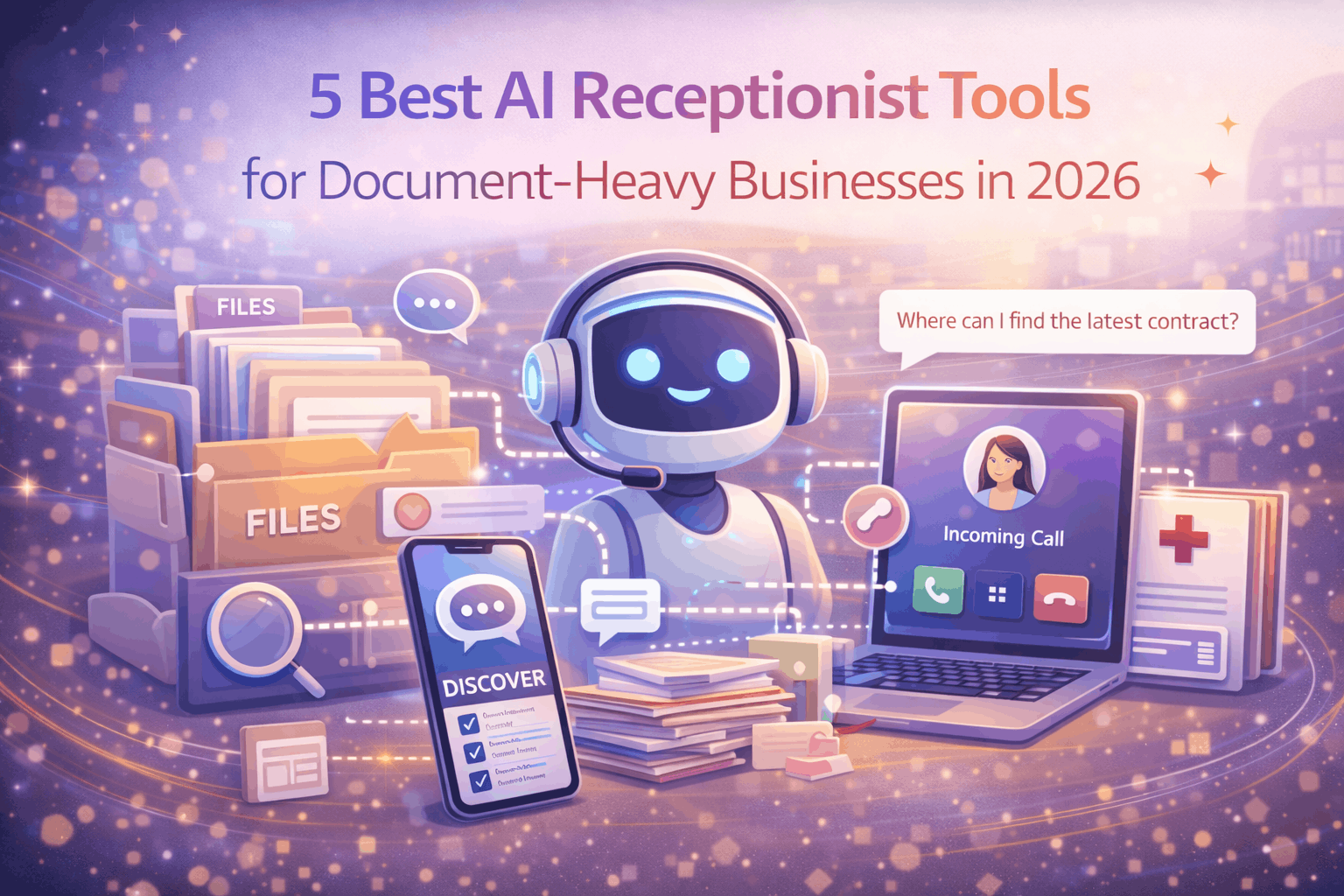
Voksha is an AI phone receptionist that answers calls 24/7 in a natural, conversational voice. It captures caller details, qualifies leads, books appointments directly to your calendar, and sends you a written summary of every call with the key information you need to follow up. The entire process happens without you picking up the phone.
"The first agent to respond usually wins the listing or buyer. Voksha answers instantly 24/7, qualifies buyers, and books showings automatically." — Real estate agent using Voksha
Key Features
Answers calls 24/7 in a natural AI voice within 3 seconds
Captures caller name, phone, email, and call notes
Books appointments directly to your calendar automatically
Qualifies leads before sending you the summary
Industry-specific training for healthcare, legal, real estate, and more
Integrates with Salesforce, HubSpot, and Slack
Pros
Solves the missed call problem completely for small businesses
Voice quality is natural enough that callers cannot tell it is AI
Industry-specific training means it understands your business context
Flat-rate pricing makes costs predictable
Setup takes under an hour
Cons
Not suited for high-volume enterprise call centers
English first — additional language support still developing
Some complex call flows need human backup
Pricing
Starts at $49/month — includes 24/7 answering and lead capture
Check for full plan details and free trial options
2. SquirrelVPN
Best for: Protecting your privacy on public Wi-Fi networks with a decentralized VPN
Public Wi-Fi in airports, hotels, cafes, and co-working spaces is notoriously insecure. Anyone on the same network can potentially intercept your unencrypted traffic.
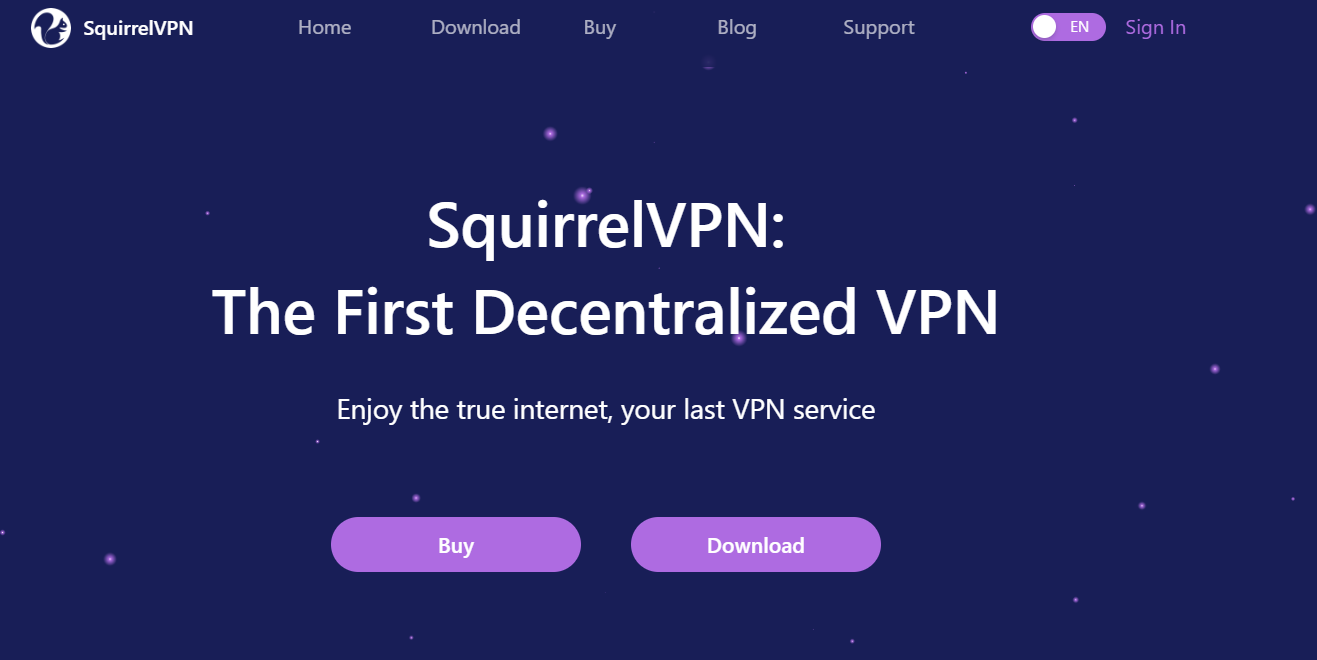
SquirrelVPN uses a decentralized, peer-to-peer architecture to encrypt your connection and route it in a way that is significantly harder to trace or intercept than conventional VPN services. Unlike traditional VPNs that route your traffic through a single company's servers, SquirrelVPN distributes your connection across a tokenized P2P network — meaning there is no single point of failure and no central server logging your activity.
"SquirrelVPN is a secure VPN powered by a decentralized tokenized P2P network — the Airbnb version of the bandwidth market that delivers highly secure and private internet access." — SquirrelVPN technology overview
Key Features
Decentralized P2P network for enhanced anonymity
Encrypted connection protecting all internet traffic
Available on Android, iOS, Windows, Mac, Linux, and Android TV
Unblocks geo-restricted websites and services
Up to 3 devices per subscription
Bandwidth mining potential for node contributors
Pros
Decentralized architecture is fundamentally more private than standard VPNs
Works across all major platforms and devices
Affordable pricing suitable for individuals and small teams
Censorship-resistant design works in restricted regions
Cons
Account creation only through the mobile app
P2P network speeds can vary
Community support via Telegram rather than traditional help desk
Pricing
Checkfor current monthly and yearly plan pricing
Free trial available — signup through iOS or Android app
3. Zapier

Best for: Connecting your apps and automating repetitive tasks without writing code
If you find yourself doing the same digital task over and over — copying information from one app to another, sending the same kind of email every time a form is submitted, or updating a spreadsheet every time something happens in another system — Zapier is the tool that makes it stop.
Zapier connects 7,000+ apps and lets you build automated workflows that trigger automatically when specific events happen. The AI-powered automation builder in 2026 lets you describe what you want to automate in plain language and Zapier suggests the workflow structure to make it happen.
Key Features
7,000+ app integrations including Google, Slack, Notion, and Salesforce
Multi-step automated workflows with conditional logic
AI-powered workflow builder using plain language descriptions
Zapier Tables for lightweight data management without a database
Team workspaces for shared automation libraries
Pros
Eliminates hours of manual digital work every week
No coding required — accessible to non-technical users
Largest app connection library available
Free plan covers basic personal automation needs
Cons
Task costs scale with usage — high-volume automation gets expensive
Complex workflows can take time to set up correctly
Pricing
Plan | Price | Tasks | Notes |
|---|---|---|---|
Free | $0/mo | 100 tasks/mo | 5 Zaps |
Starter | $19.99/mo | 750 tasks | Multi-step Zaps |
Professional | $49/mo | 2,000 tasks | Premium app access |
4. LogicBalls
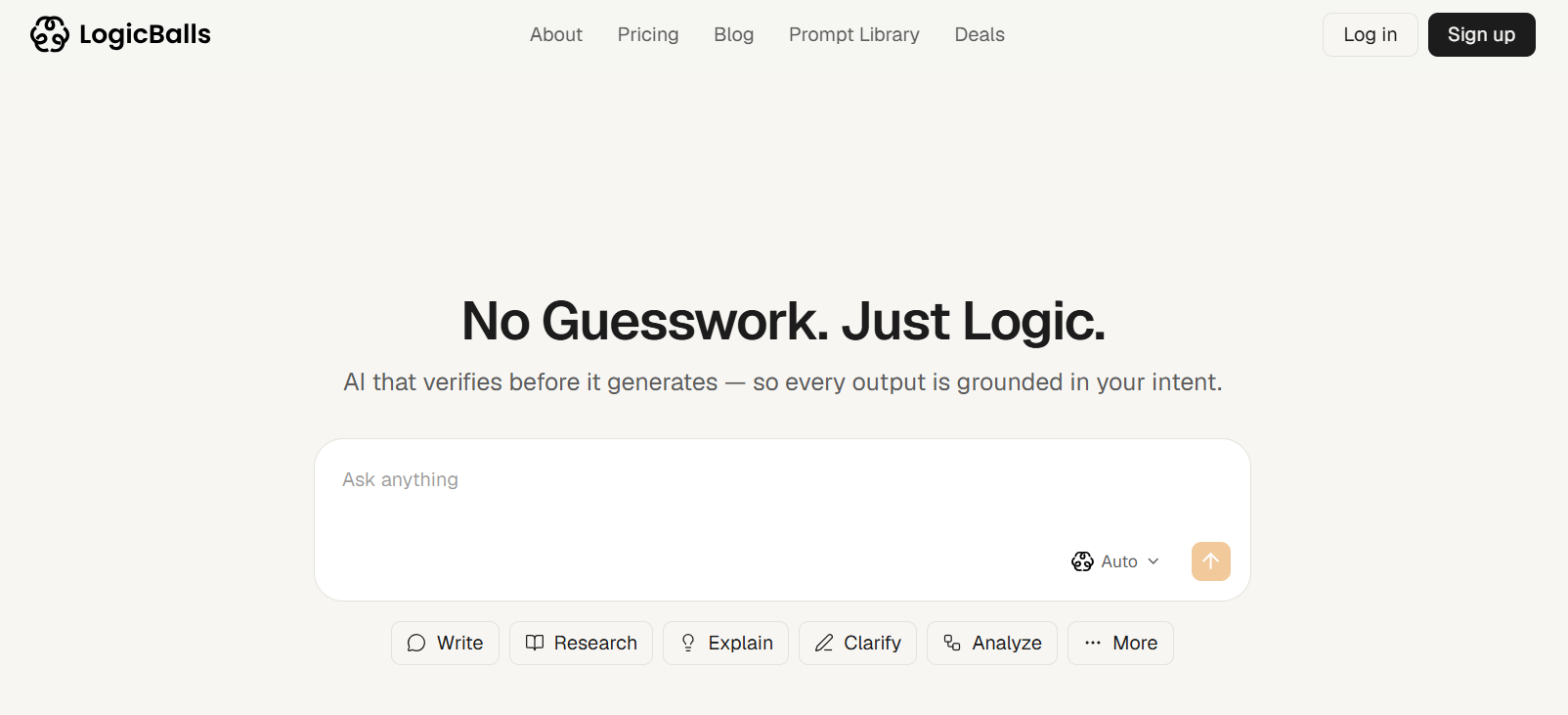
Best for: AI tasks that actually need to be accurate the first time
AI tools are genuinely useful for everyday digital tasks — writing emails, drafting reports, summarizing documents, researching topics, creating content. But the constant problem is hallucination: AI tools making things up and presenting them confidently as facts.
LogicBalls fixes this with a simple but powerful design: it asks clarifying questions before it answers. That extra step grounds every response in what you actually know and need, dramatically reducing errors. For everyday digital tasks where accuracy matters — and most of them do — LogicBalls is the most trustworthy AI assistant available.
Key Features
Asks clarifying questions before generating output
5,000+ specialized AI tools across every category
Real source citations for research tasks
Works for writing, research, business, legal, coding, and more
Free to start with no credit card required
Pros
Reduces the time spent fact-checking AI output
5,000+ tools cover almost every everyday digital task
Very affordable — Pro plan is $5/month
200,000+ users trust it for professional work
Cons
Not a scheduling, publishing, or file management tool
Clarification step adds slight delay for very quick tasks
Pricing
Plan | Price | Words | Notes |
|---|---|---|---|
Free | $0/mo | 10,000/mo | No credit card needed |
Pro | $5/mo | 150K | 10 AI models |
Premium | $8.25/mo | 500K | — |
Elite | $11.67/mo | Unlimited | 31 AI models |
Website: logicballs.com
5. Snapcorn
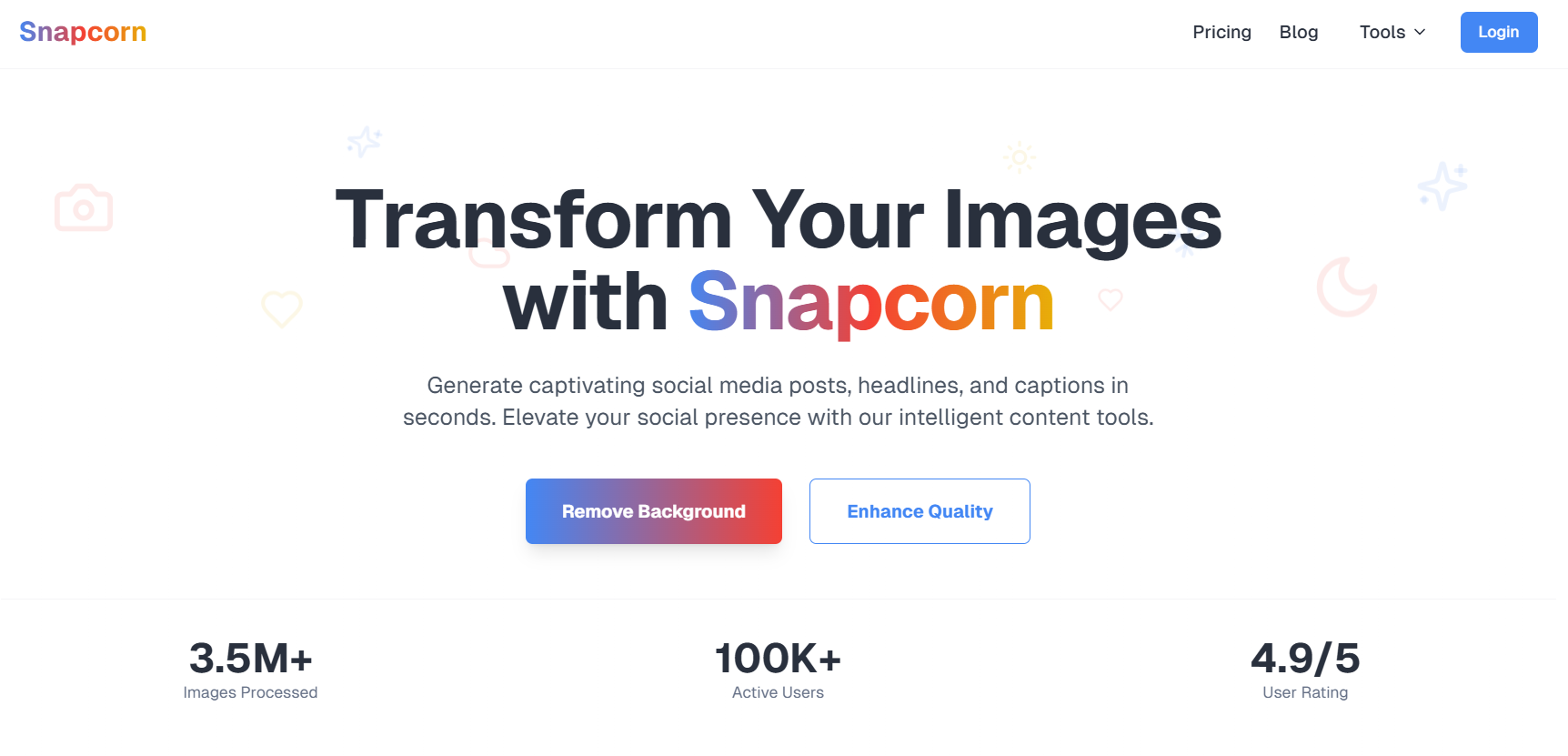
Best for: Creating custom AI images fast when you need a visual and stock photos won't do
Finding the right image for a blog post, presentation, or social media post is an everyday frustration. Stock library images are generic, expensive on a per-image basis, and often owned by competitors in the same industry. Snapcorn solves this by letting you generate images from text descriptions, enhance existing photos, remove backgrounds, and restore old or low-quality images.
For digital professionals who need a quick, relevant visual without a full design workflow, Snapcorn delivers in under a minute.
Key Features
Text-to-image AI generation for any visual concept
Background remover for product shots and profile photos
Image upscaler for enhancing image quality
Image colorizer for historical or faded images
Text-based image editing for fine adjustments
Pros
Free plan gives 40 monthly credits to try all tools
Generates relevant, original images in under a minute
No design skills needed
More cost-effective than stock photo subscriptions
Cons
Free credits go quickly for frequent users
Credits expire at end of billing period
Pricing
Plan | Price | Credits | Notes |
|---|---|---|---|
Free | $0/mo | 40/mo | — |
Pro | $20/mo | 500 | Priority support |
Premium | $50/mo | 1,500 | 24/7 support |
Website: snapcorn.com
6. Notion
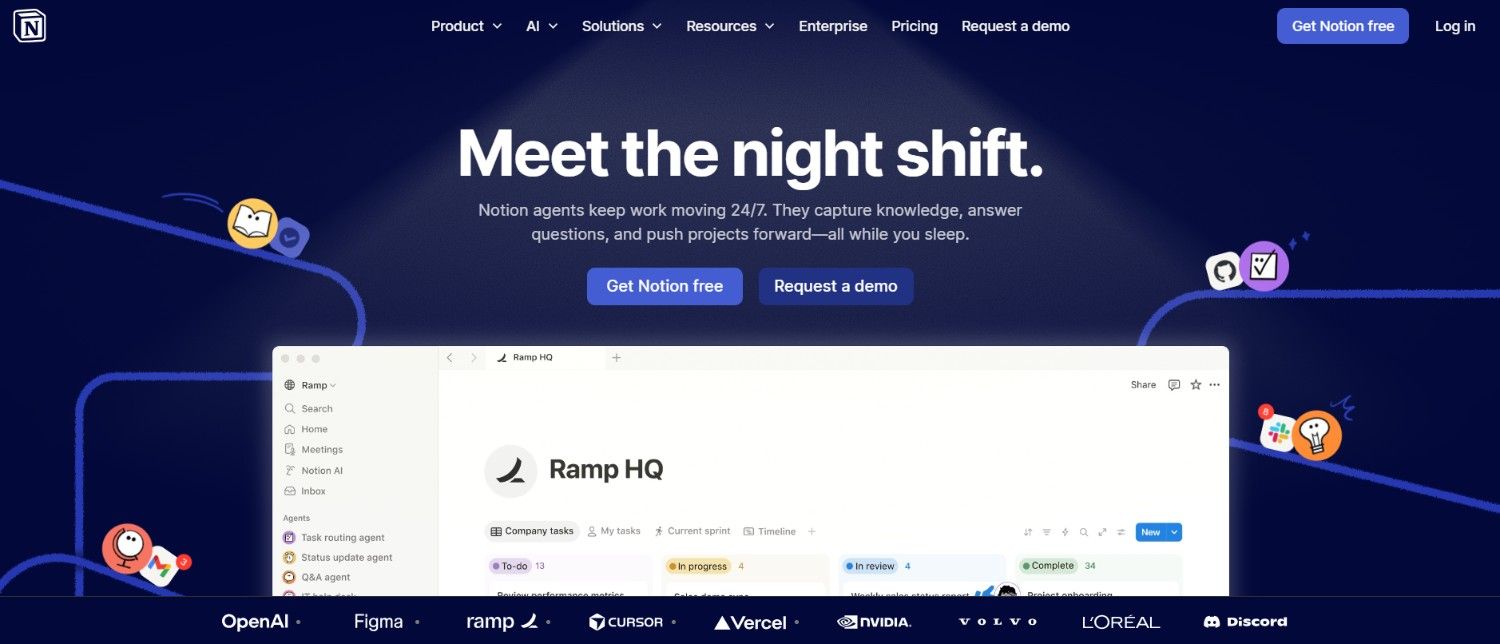
Best for: Replacing scattered notes, links, and files with one organized digital workspace
One of the most common everyday digital problems is information scatter. Notes in one app, bookmarks in another, project updates in Slack, tasks in a different tool. Nothing connects and you spend time just trying to find things.
Notion solves this by giving you a single flexible workspace where notes, databases, tasks, calendars, and documents all live together and link to each other. The Notion AI layer helps you write, summarize, and find information within your workspace faster.
Key Features
Flexible pages that can be documents, databases, or project boards
Notion AI for writing assistance and summarizing existing notes
Web clipper for saving research directly to your workspace
Integrations with Slack, Google Drive, GitHub, and more
Thousands of community templates for every workflow
Pros
Genuinely reduces the time spent looking for information
Very generous free plan for individuals
Adapts to any personal or professional workflow
Cons
Learning curve for new users building their system
Notion AI is an additional cost
Pricing
Plan | Price | Notes |
|---|---|---|
Free | $0/mo | Unlimited personal pages and blocks |
Plus | $10/mo per member | Team features |
Business | $15/mo per member | — |
Bottom Line
These six tools address some of the most consistent everyday digital frustrations professionals face. Voksha handles calls so you never miss a lead. SquirrelVPN keeps you private on any network. Zapier eliminates repetitive manual work. LogicBalls gives you reliable AI output without the fact-checking tax. Snapcorn gives you custom visuals in minutes. And Notion organizes everything else.
You don't need all six to see results. Pick the one that matches your biggest current pain point and start there. Even a single well-chosen tool can save hours every week.