5 Best AI Receptionist Tools for Document-Heavy Businesses in 2026

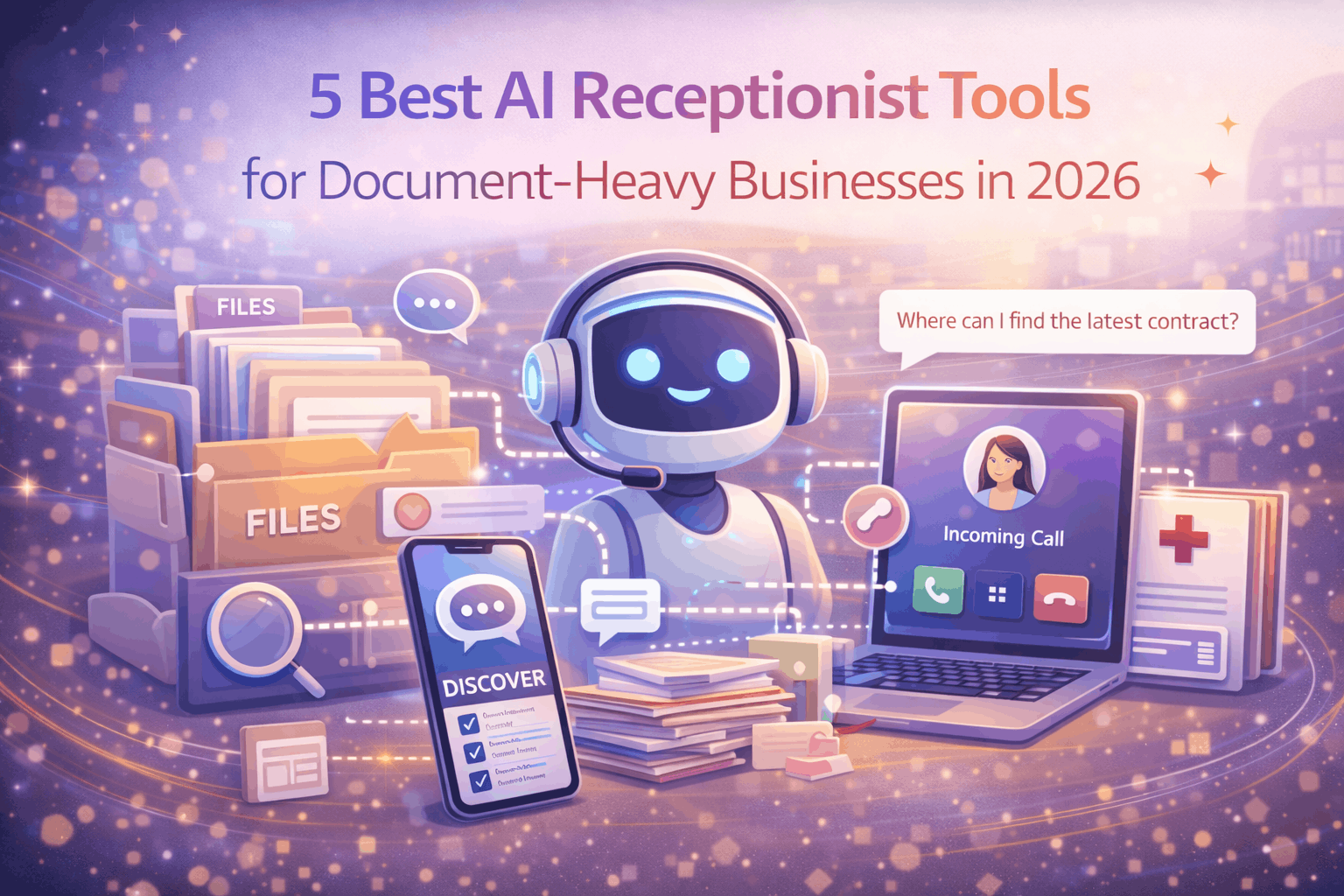
If your business deals with a constant flow of documents - contracts, intake forms, invoices, or client paperwork - you already know how chaotic front-desk operations can get. Missed calls while sorting through files, delayed responses to clients waiting on document status, and the never-ending juggle between phone duties and administrative tasks.
That's exactly where AI receptionists come in. These tools handle inbound calls, schedule appointments, answer FAQs, and route inquiries - so your team can focus on the paperwork that actually moves the business forward.
We evaluated dozens of AI receptionist platforms and narrowed it down to the five that work best for document-intensive operations like law firms, accounting practices, medical offices, and real estate agencies.
1. Voksha
Best for: Small businesses that need a reliable, affordable AI phone receptionist
Voksha is purpose-built for small and mid-sized businesses that can't afford to miss calls but also can't afford a full-time receptionist. At just $49/month, it's one of the most cost-effective solutions on this list - and it doesn't cut corners on capability.
Voksha handles inbound calls with natural-sounding AI voice agents, answers common questions about your business, books appointments, and routes urgent calls to the right person. For document-heavy businesses, this is a game-changer: instead of your office manager splitting time between answering phones and processing intake forms or contracts, Voksha takes over the phone entirely.
What makes Voksha stand out is its simplicity. There's no complex setup, no enterprise-level onboarding process. You configure your business details, set your call handling preferences, and it's live. For law firms drowning in case files or accounting offices buried in tax season paperwork, that simplicity matters.
Key highlights:
AI-powered inbound call handling with natural voice
Appointment scheduling and call routing
$49/month flat pricing - no per-minute surprises
Quick setup with minimal technical overhead
Ideal for salons, clinics, law firms, and service businesses
2. Smith.ai
Best for: Firms that want live agent backup alongside AI
Smith.ai combines AI-powered virtual receptionists with human backup agents, making it a strong choice for businesses where nuance matters - like legal intake or financial advisory calls. Their system can screen leads, book consultations, and handle CRM integrations.
The trade-off is price. Smith.ai's plans start significantly higher than pure AI solutions, which makes it better suited for firms with higher call volumes and bigger budgets. But for practices that deal with sensitive document workflows and need a human safety net, it's worth considering.
Key highlights:
Hybrid AI + live receptionist model
CRM and calendar integrations
Lead screening and intake support
Higher price point but premium service quality
3. Ruby Receptionists
Best for: Businesses that prioritize a personal, human-first experience
Ruby has been a staple in the virtual receptionist space for years. While they've integrated AI features into their platform, the core offering is still human receptionists who answer calls on your behalf. This makes Ruby a strong fit for professional services firms - attorneys, CPAs, consultants - where clients expect a warm, personal touch.
For document-heavy offices, Ruby's value is in freeing up your team from phone duty so they can focus on processing, filing, and managing critical paperwork. The downside is the cost: Ruby's pricing reflects the human element, and it can add up quickly for high-volume callers.
Key highlights:
Human receptionists with AI-assisted features
Strong reputation in legal and professional services
Mobile app for managing calls on the go
Premium pricing tier
4. Dialzara
Best for: Businesses that want deep customization of AI call flows
Dialzara offers an AI receptionist that you can train on your specific business context. You feed it information about your services, common questions, and call handling preferences, and it builds a customized AI agent. This level of customization is useful for businesses with complex intake processes - like medical offices that need to ask screening questions before booking, or real estate agencies that qualify leads over the phone.
The platform supports multiple voice options and integrates with scheduling tools. Pricing varies by usage, so it's worth mapping out your expected call volume before committing.
Key highlights:
Trainable AI with business-specific context
Multiple voice options
Good for complex intake workflows
Usage-based pricing
5. Goodcall
Best for: Local service businesses that need quick deployment
Goodcall targets local businesses - plumbers, electricians, HVAC companies, and similar service providers - with an AI receptionist that handles calls, captures leads, and schedules jobs. It's designed for speed: you can set it up in minutes and start taking calls the same day.
For trade businesses that generate a lot of paperwork around job orders, estimates, and invoices, Goodcall keeps the phones handled while you're out on a job site. It's less feature-rich than some competitors, but the simplicity and speed of deployment make it a solid choice for smaller operations.
Key highlights:
Built for local service businesses
Fast setup and deployment
Lead capture and job scheduling
Straightforward pricing
How to Choose the Right AI Receptionist
For document-heavy businesses, the key factors to weigh are:
Call volume vs. budget: If you're a solo practitioner or small team, Voksha's $49/month flat rate is hard to beat. If you have higher volumes and need human backup, Smith.ai or Ruby may justify the higher cost.
Complexity of calls: Simple appointment booking and FAQ handling? Voksha or Goodcall will cover you. Complex intake with screening questions? Dialzara's trainable AI or Smith.ai's hybrid model might be a better fit.
Speed of setup: If you need something running today, Voksha and Goodcall both offer rapid deployment. Smith.ai and Ruby may require more onboarding time.
The bottom line: an AI receptionist isn't a luxury anymore - it's a productivity multiplier. The less time your team spends on the phone, the more time they have for the document work that drives revenue.
Looking for tools to streamline your document workflows too? Check out PDF7.app for fast, free PDF editing, conversion, and management.