7 Best AI Content Creation & Quality Checker Tools for Writers and Marketers


Writers and marketers in 2026 face a challenge that did not exist five years ago: producing more content faster, while also making sure that content is accurate, original, human-sounding, and actually good. AI tools help with all of that but only if you pick the right ones.
This list covers seven tools across two categories: content creation tools that help you write faster and better, and quality checker tools that verify your content is original, accurate, and polished before it goes live.
Quick Answers
Best AI content detector with 99.7% accuracy: GPT0
Best for AI image creation to complement written content: Snapcorn
Best for hallucination-free AI writing: LogicBalls
Best for long-form AI content generation: Jasper
Best for quick marketing copy: Copy.ai
Best for real-time writing quality and grammar: Grammarly
Best for readability and simplicity: Hemingway App
Comparison Table
Tool | Category | Free Plan | Starting Price | Key Use Case |
|---|---|---|---|---|
GPT0 | Quality checker | Yes | Free/Paid | AI detection |
Snapcorn | Image creation | Yes | $20/mo | Visuals for content |
LogicBalls | Content creation | Yes | $5/mo | Accurate AI writing |
Jasper | Content creation | No | $49/mo | Long-form content |
Copy.ai | Content creation | Yes | $36/mo | Marketing copy |
Grammarly | Quality checker | Yes | $12/mo | Grammar & clarity |
Hemingway App | Quality checker | Yes | $19.99 one-time | Readability |
1. GPT0
Best for: Detecting AI-generated content with 99.7% accuracy
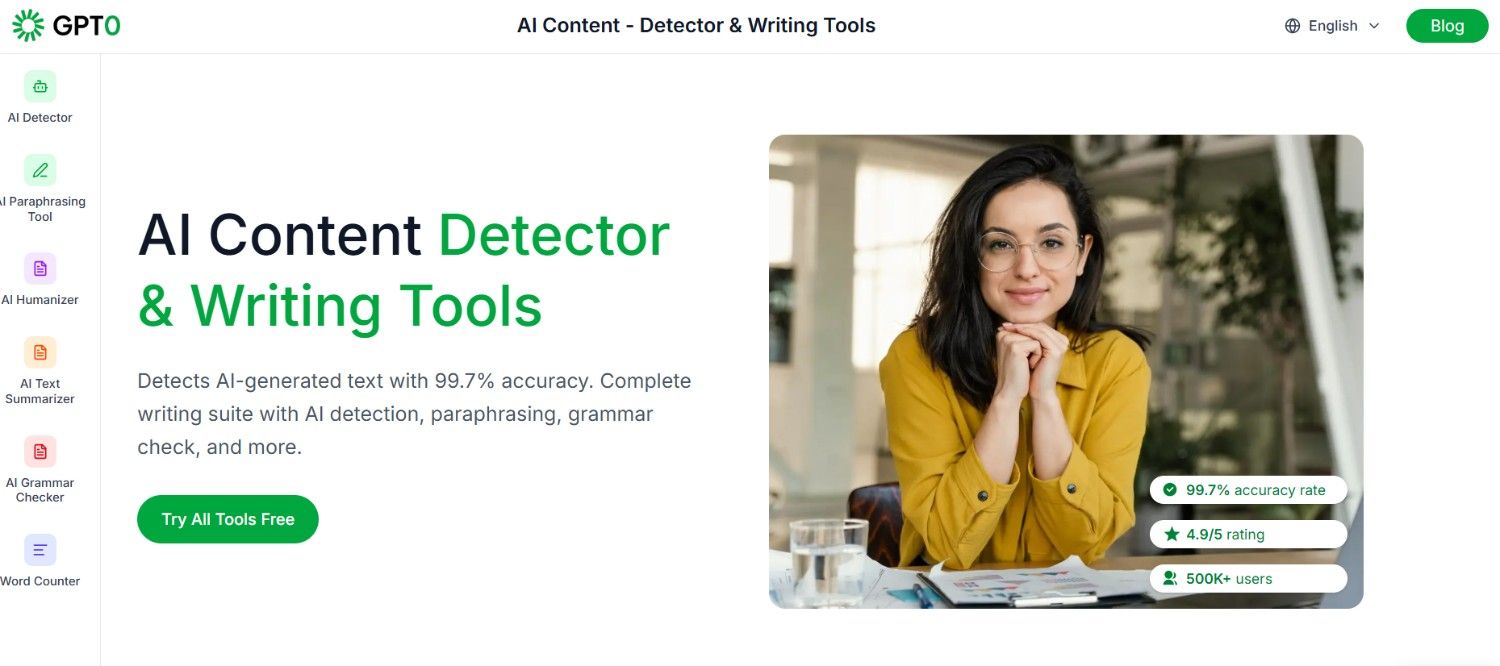
GPT0 is one of the most accurate AI content detection tools available in 2026. With a claimed 99.7% accuracy rate and over 500,000 users, it has become a trusted resource for editors, marketers, and academics who need to verify whether content was written by a human or generated by AI.
Beyond detection, GPT0 is a complete writing suite. It includes an AI paraphrasing tool, an AI humanizer that rewrites AI-generated text to sound more natural, a summarizer, a grammar checker, and a word counter. For writers who use AI assistance and want to make sure their final output reads as genuinely human, GPT0's humanizer is one of the most practical tools available.
"GPT0 has been incredibly helpful for my blogs and articles. It enhances my creativity and helps me express my ideas better." Akshita Thakur, English language learner
Key Features
AI detector with 99.7% accuracy for ChatGPT, GPT-4, Claude, Gemini, and others
AI humanizer that rewrites AI content to pass detection
AI paraphrasing tool with multiple style modes
AI text summarizer with adjustable length options
Grammar checker with real-time corrections
Word counter with reading time and detailed text statistics
Pros
Industry-leading detection accuracy at 99.7%
Six tools in one platform exceptional value
Free tier available with no credit card required
4.9/5 user rating
Cons
Detection accuracy depends on the AI model used
Free plan has usage limitations
Pricing
Free: Access to all 6 tools with basic limits
Paid plans available for higher volume usage
Website: gpt0.app
2. Snapcorn
Best for: Creating original AI-generated images to accompany your written content
Great content marketing is not just about words. Articles and blog posts that include custom, relevant images consistently outperform those with generic stock photos.
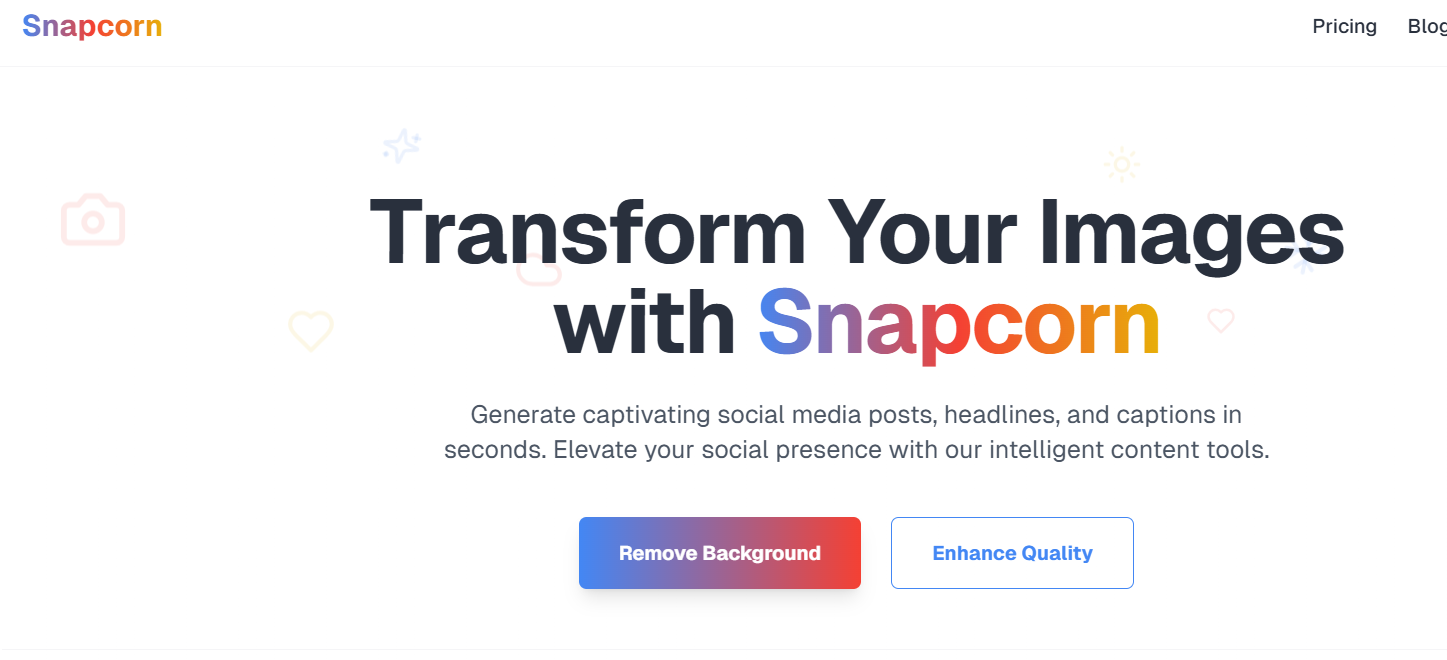
Snapcorn gives writers and marketers the ability to generate original images from text prompts, enhance existing images, remove backgrounds, and produce visuals that actually fit the story being told.
For content teams that publish frequently, Snapcorn removes the time and cost of searching stock libraries for images that are never quite right. You describe what you need and the AI creates it.
"The image upscaler is incredible. I use it daily to enhance my artwork and the quality is outstanding." Marcus Rodriguez, Digital Artist
Key Features
Text-to-image generation for custom article illustrations
Image upscaler for enhancing image resolution
Background remover for clean visual compositions
Image colorizer for black-and-white or historical visuals
Text-based image editing for precise control
Pros
Original images for every article without stock library subscriptions
Free plan with 40 credits covers basic content needs
No design experience required
Background remover saves significant post-production time
Cons
40 free credits go quickly for high-volume publishing teams
Credits reset monthly with no rollover
Pricing
Free: 40 credits/month
Pro: $20/month (or $200/year) 500 credits
Premium: $50/month (or $500/year) 1,500 credits
Website: snapcorn.com
3. LogicBalls
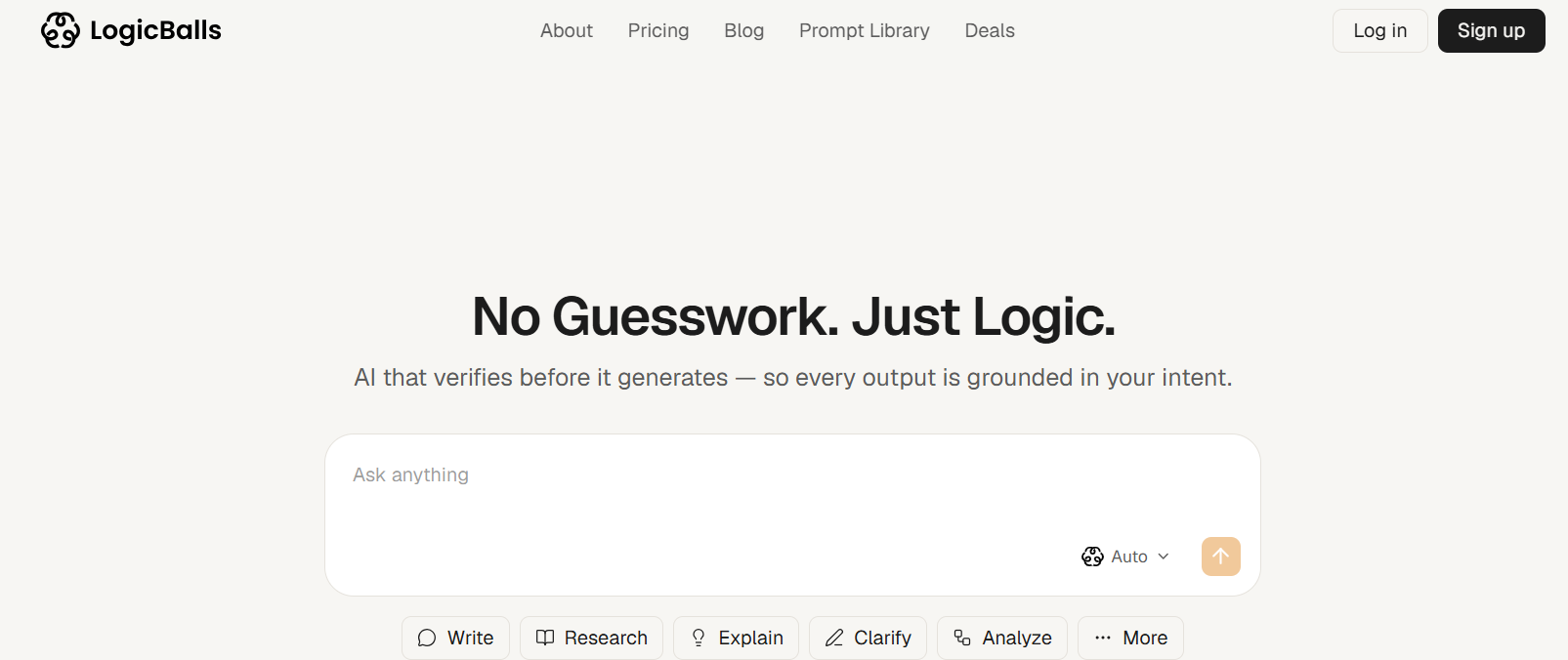
Best for: AI content generation that you can actually trust without fact-checking everything
The biggest practical problem with using AI for content creation is hallucination. An AI that confidently writes false facts is worse than no AI at all, because now you have to fact-check everything before publishing. LogicBalls was built specifically to reduce this problem.
It asks clarifying questions before generating content, which grounds the output in what you actually know and reduces the chance of fabricated details slipping through. For writers producing articles, marketing copy, product descriptions, or research summaries, LogicBalls is the most trustworthy AI content tool available.
"We built LogicBalls because AI kept making things up and we were tired of fact-checking." LogicBalls founding team
Key Features
Hallucination-free content generation through pre-answer clarification
5,000+ specialized content creation tools and apps
Real source citations for research and fact-heavy content
AI prompt library with templates for every content type
31 AI models on the Elite plan including premium options
Pros
Significantly reduces the editing time spent fixing AI errors
5,000+ tools means one platform for almost every content need
Very affordable pricing
Free plan available
Cons
Clarification step adds a small delay to the generation flow
Premium models require higher-tier plans
Pricing
Free: 10,000 words/month, 2,000+ tools
Pro: $5/month 150K words, 10 AI models
Premium: $8.25/month 500K words, 15 models
Elite: $11.67/month Unlimited words, 31 models
Website: logicballs.com
4. Jasper
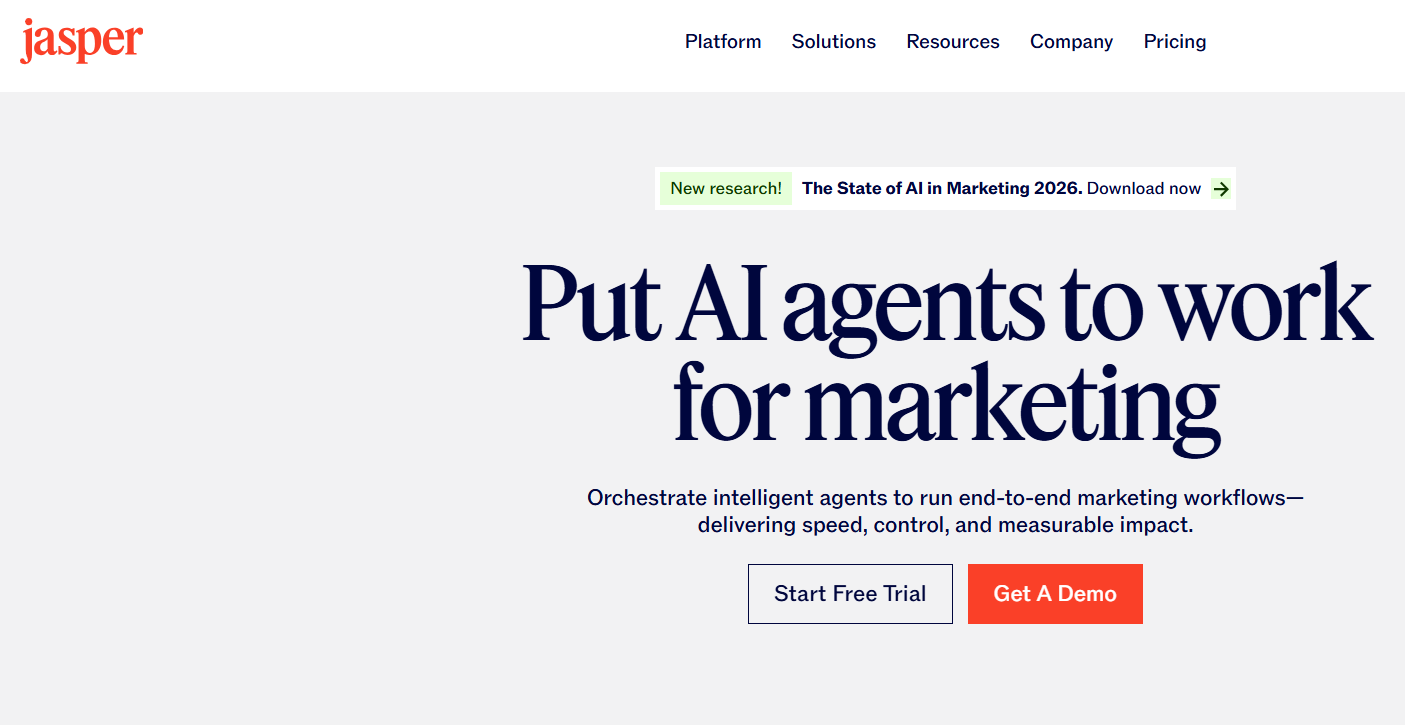
Best for: Long-form content creation with brand voice training
Jasper is one of the original AI writing platforms and remains one of the best options for long-form content creation in 2026. It is designed specifically for marketing teams that need to produce blog posts, landing pages, ad copy, and social content at scale while maintaining a consistent brand voice.
Key Features
Long-form content editor with AI completion
Brand voice training from existing content samples
50+ content templates for marketing use cases
Jasper Chat for conversational content brainstorming
Team collaboration and workflow features
Pros
Strong long-form content quality
Brand voice training is highly effective
Excellent template library
Cons
No free plan
More expensive than alternatives
Pricing
Creator: $49/month
Pro: $69/month
Business: Custom pricing
5. Copy.ai
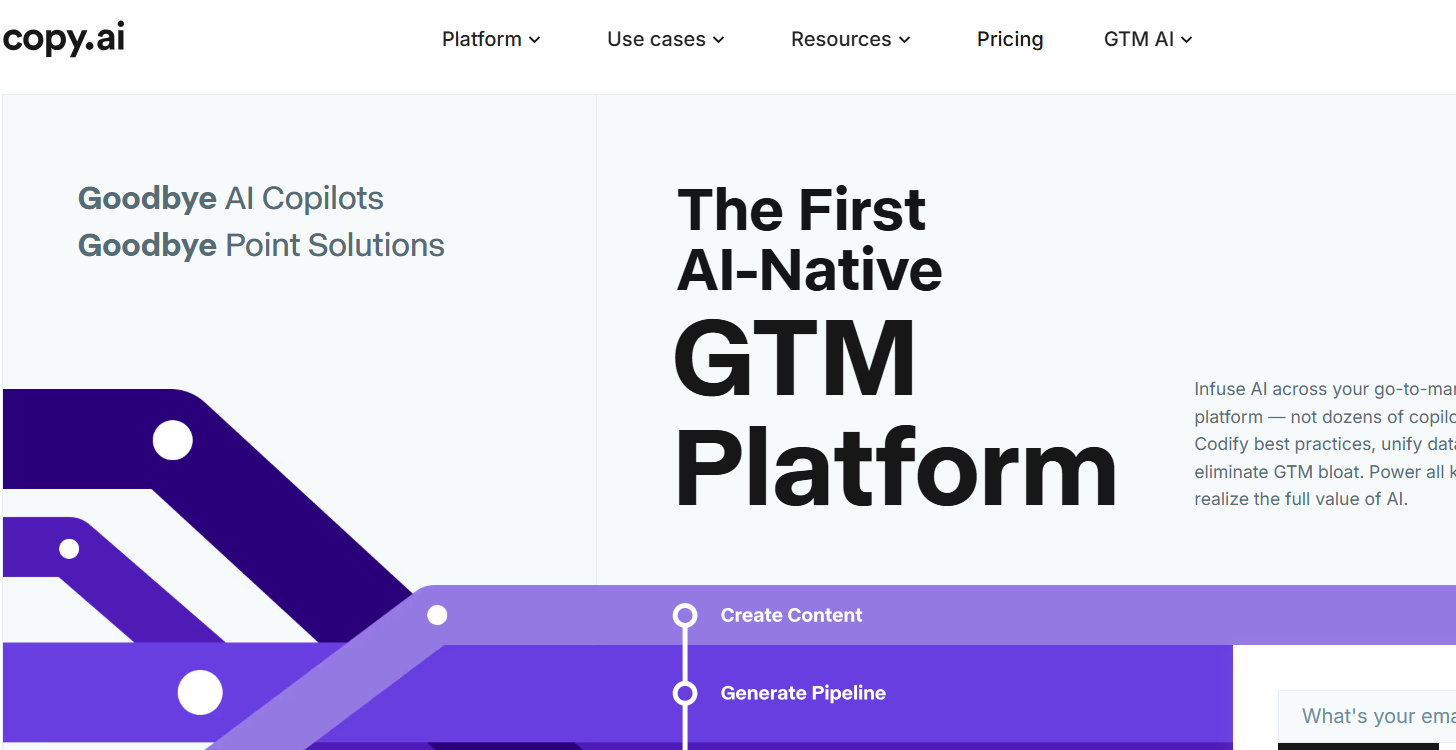
Best for: Fast marketing copy ads, emails, social posts, and product descriptions
Copy.ai is optimized for short-form marketing copy that needs to be written fast. It helps generate ad headlines, email subject lines, product descriptions, social captions, and outreach emails quickly.
Key Features
90+ marketing copy templates
AI chat for brainstorming
Workflow automation
Brand voice training
Team collaboration workspace
Pros
Extremely fast for short-form content
Generous free plan
Strong marketing-focused templates
Cons
Less suited for long-form content
Output quality varies by use case
Pricing
Free: 2,000 words/month
Starter: $36/month
Advanced: $186/month
6. Grammarly
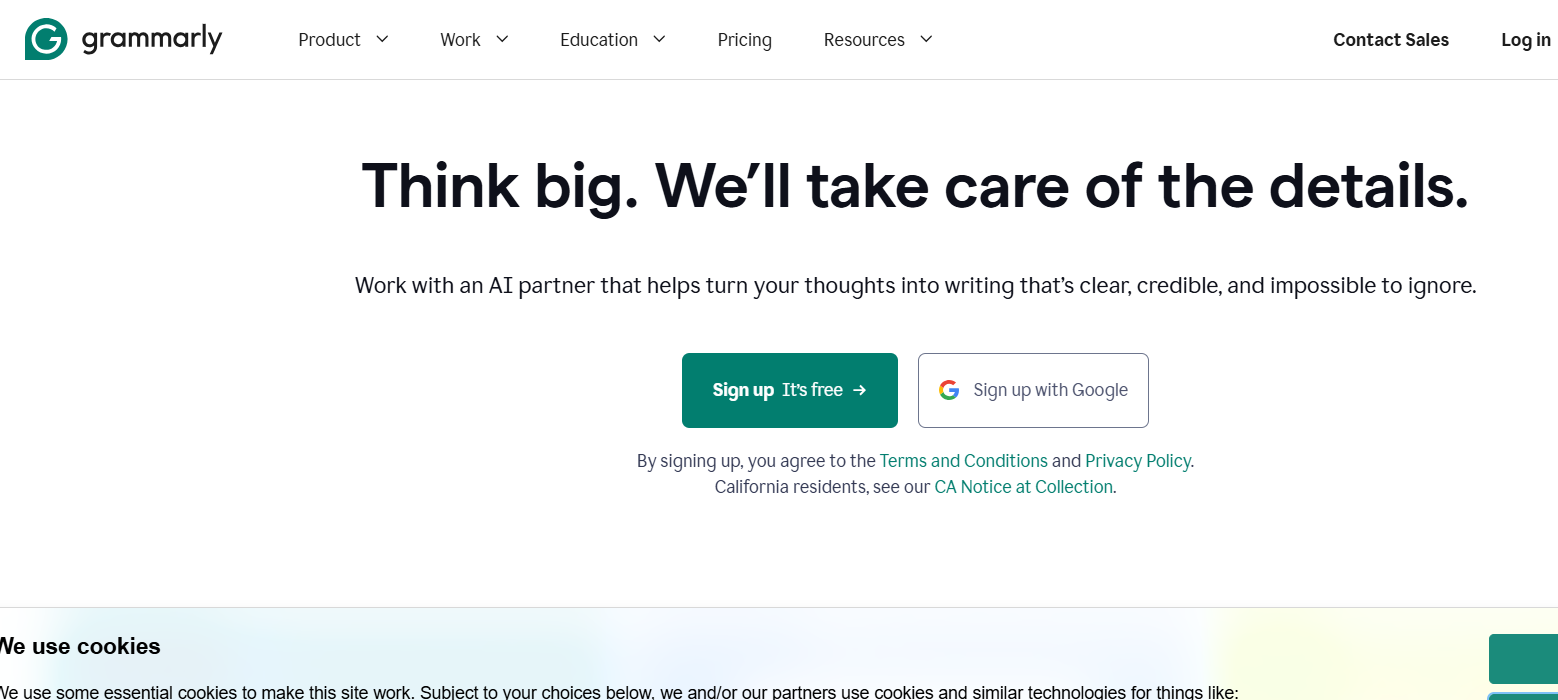
Best for: Catching grammar errors and improving clarity
Grammarly goes beyond grammar correction with AI-powered clarity suggestions, tone analysis, and plagiarism checking. It integrates across Google Docs, Gmail, Notion, HubSpot, and many other tools.
Pros
Works across 500,000+ platforms
Context-aware AI suggestions
Powerful plagiarism checker
Cons
Advanced features require Premium
Sometimes over-corrects creative writing
Pricing
Free: Basic grammar and spelling
Premium: $12/month
Business: $15/member/month
7. Hemingway App
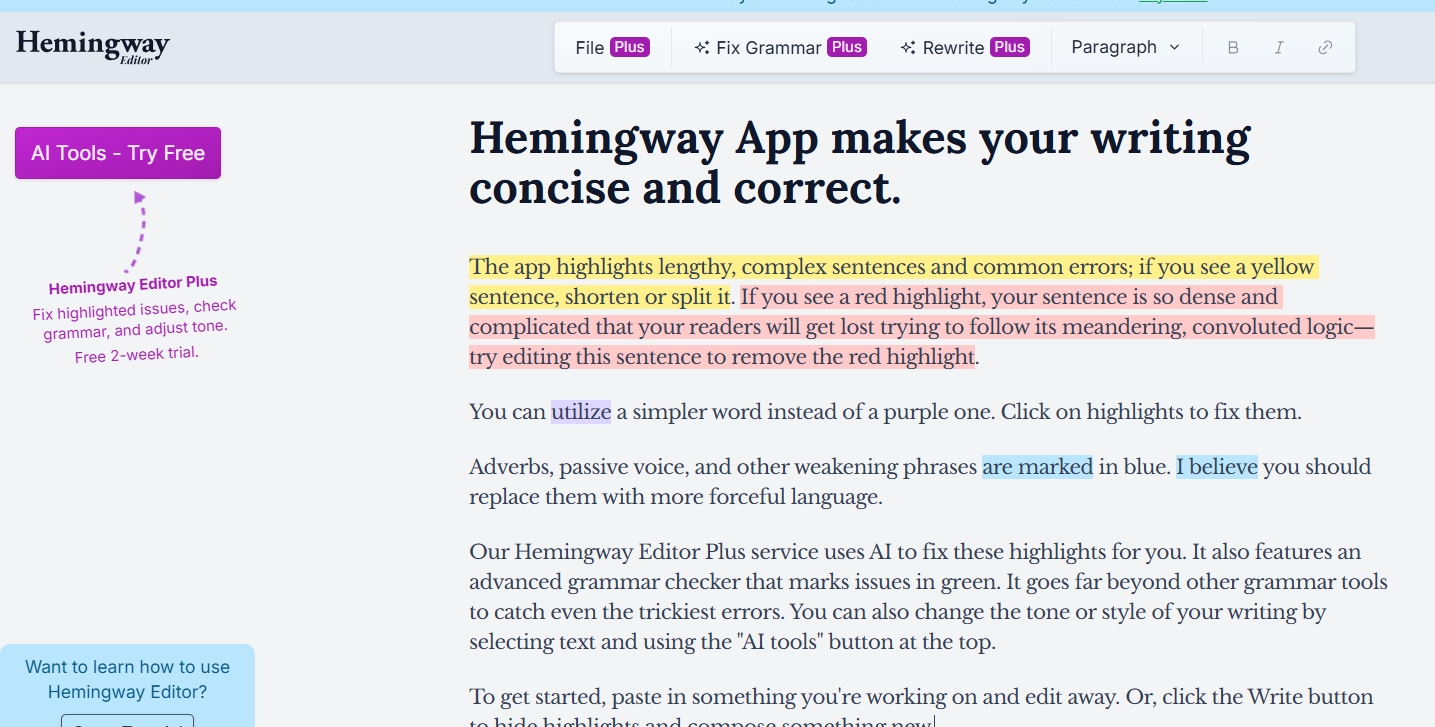
Best for: Making your writing clearer, simpler, and easier to read
Hemingway App highlights long sentences, passive voice, unnecessary adverbs, and readability problems with color coding that makes editing easier.
Pros
Simple and distraction-free interface
Excellent readability feedback
One-time purchase option
Cons
No AI writing features
Limited export functionality on web version
Pricing
Web version: Free
Desktop app: $19.99 one-time purchase
Bottom Line
The best content workflow in 2026 combines creation and quality checking. Use LogicBalls to generate accurate first drafts, Snapcorn to create matching visuals, Grammarly to improve clarity, and GPT0 to verify content reads naturally before publishing.
If you need long-form scale, Jasper is a strong choice. If speed matters most for marketing copy, Copy.ai delivers. And if readability is your weak point, Hemingway App remains one of the fastest ways to improve writing quality.