AI Voiceover Tools for PDF Creators: Narrate Your Documents Instantly
Discover the best AI voiceover tools for PDF creators. Instantly narrate documents, manuals, and eBooks for accessibility and reuse.
 Sarah Johnson3 min read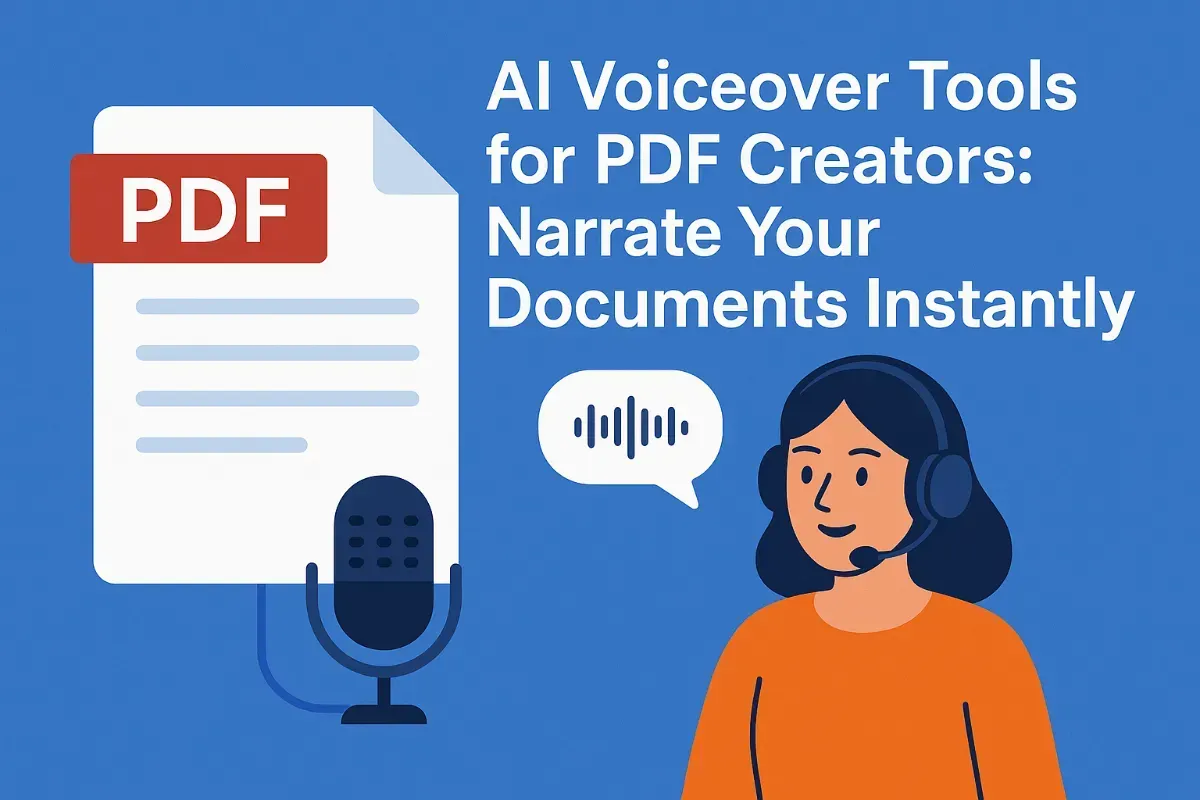
On this page
If you’ve used PDF7.app or any other PDS solutions to merge, compress, or edit documents, you know how important clarity and communication are. But what if your PDFs could speak?
Kveeky Powers 1.2 Million AI Voiceovers in Run-Up to Global Launch
Whether you’re turning manuals into tutorials, eBooks into audiobooks, or proposals into pitch narrations, AI voiceover tools are transforming how PDFs are consumed. This guide walks you through everything PDF-heavy users should know.
What Are AI Voiceover Tools?
AI voiceover tools (text-to-speech or TTS) convert written content into natural-sounding speech using machine learning models trained on human voices. They:
-
Accept pasted or uploaded text (from a PDF, DOCX, etc.
-
Offer 100s of humanlike voices in many languages
-
Allow control over tone, emotion, speed
-
Output downloadable audio files
Ideal for tutorials, accessibility, content repurposing, and audio documentation.
Why PDF7.app Users Should Care
-
Repurpose long PDFs into audio guides, narrated decks, and spoken training modules
-
Make content accessible for visually impaired audiences
-
Localize documents through multilingual narration
-
Create explainer videos with voiceovers powered by your documents
AI Voiceover + TTS: In-Depth Research Article
Practical Use Cases for PDF7.app Users
-
HR Departments: Convert onboarding manuals into narrated modules
-
Educators: Turn course packs into narrated lectures
-
Marketers: Add voice to PDF sales decks for pitches
-
Government / NGOs: Translate documents with narration for outreach
-
Small Businesses: Narrate proposals or explainers
Top AI Voiceover Tools Compared
| Tool | Key Features | Free Tier | Best For |
|---|---|---|---|
| Kveeky | Auto-script + TTS in 200+ languages, natural pacing | Yes | Narrating long-form documents quickly |
| Murf.ai | Slides + voice sync, pitch/emotion control | Limited | Corporate use, training & internal docs |
| LOVO.ai | YouTube & ad-ready, 180+ voices, voice styles | Limited | Multimedia and sales content |
| Play.ht | Voice cloning, branded narration, downloadable MP3s | Limited | Professional podcasts, internal branding |
| ElevenLabs | Emotion control, fiction-style delivery, high realism | Demo | Story-driven or advocacy documents |
Tool Highlights
1. Kveeky
Website: https://kveeky.com
Key Features:
-
Instant script + voice from pasted PDF content
-
Multilingual voiceovers in 200+ languages
-
500+ emotional and natural voice profiles
-
Works with any document type
Free Tier: Yes (includes credits to test features)
Best For: Users who need fast, flexible voiceover generation from any text, especially long or multilingual documents
2. Murf.ai
Key Features:
-
Syncs text with slide visuals
-
Adjustable pitch and pacing
-
Download audio files in multiple formats
Best For: Teams narrating presentations, PDFs with visual aids, internal learning material
3. LOVO.ai
Key Features:
-
Ad-friendly narration templates
-
Text-to-audio generation in seconds
-
Offers multiple speaker voices in one clip
Best For: Sales decks, narrated pitches, PDF promo materials
4. Play.ht
Key Features:
-
Voice cloning and brand alignment
-
Detailed speaker control
Best For: Businesses that want to humanize their documents with branded audio
5. ElevenLabs
Key Features:
-
Natural pauses, stress, and emotions
-
Advanced tone control
Best For: Nonprofit reports, emotional storytelling from PDFs, accessibility content
Data Privacy & Compliance
PDF7.app users often handle sensitive files. Choose tools that:
-
Delete files after use (like Kveeky)
-
Avoid storing inputs unless opted in
-
Don’t require account creation (Kveeky and LOVO support this)
PDF7.app + AI Voiceover: Smarter Workflow
-
Use PDF7.app to extract or summarize content
-
Paste into Kveeky to generate high-quality audio
-
Distribute as audio summaries, trainings, or sales narrations
FAQs
Q: Can I voice over scanned PDFs?
Yes. Use PDF7’s OCR to convert them first.
Q: Can I use these tools without technical knowledge?
Absolutely. Most tools are drag-and-drop with one-click voice options.
Q: Is AI voiceover legal for business use?
Yes—just ensure you use voices under commercial-use licenses (included in Kveeky’s Pro tier)
Final Takeaway
AI voice tools empower PDF7.app users to bring their documents to life—faster, clearer, and more accessible. From narrated whitepapers to explainer decks, adding voice is now just a click away.