Top 10 Smallpdf Alternatives & Competitors in 2026 (Free & Paid)

Key Takeaways
Alternatives to Smallpdf vary widely — from free browser tools to enterprise editors with advanced features.
AI and OCR features speed up editing and make scanned documents editable.
Free tiers are useful for occasional tasks; paid plans unlock batch processing and collaboration.
Choose tools based on integration needs (Google Workspace, Microsoft 365), platform, and volume.
Test 2–3 options to compare output quality, ease of use, and total cost before committing.
Introduction
Managing PDFs efficiently is now essential for professionals, students, and businesses that handle documents daily. While Smallpdf is a handy, user-friendly option, many users need alternatives that offer deeper editing, OCR, AI-assisted features, or more flexible pricing. This guide reviews the top 10 Smallpdf alternatives in 2026 and compares their strengths—such as batch processing, collaboration, platform support, and AI capabilities—to help you identify the best fit for your workflow.
The roundup includes tools like PDF7, EaseUS PDF Editor, Tenorshare PDNob, Foxit, Adobe Acrobat, PDF Expert, PDFgear, Soda PDF, Nitro, and others. For each product we summarize pros and cons, pricing, key features, and actionable advice so you can quickly decide whether a free browser-based tool or a feature-rich desktop editor is right for you.
Quick Look
PDF7: Versatile toolkit for individuals
EaseUS PDF Editor: Affordable editing for small businesses
Tenorshare PDNob: Users needing AI functionality
Smallpdf: Quick online PDF management
Foxit PDF Editor: Advanced features for professionals
Adobe Acrobat Reader: Industry-standard comprehensive tool
PDF Expert: Strong capabilities for Mac users
PDFgear: Straightforward free solution
Soda PDF Online: Basic PDF management tools
Nitro PDF: Comprehensive solution for businesses
The ability to manage and manipulate PDF documents effectively is important in our increasingly digital world. Whether you're a professional needing advanced features, a student managing assignments, or an individual handling personal documents, the right PDF tool can make all the difference. Exploring alternatives to Smallpdf not only helps you find better features and integrations, but may also lead to significant cost savings. Get ready to discover the best tools available in 2026!
Comparison Table
| Tool Name | Best For | Free Plan / Trial | Starting Price |
|---|---|---|---|
| PDF7 | Versatile toolkit for individuals | Yes | Free |
| EaseUS PDF Editor | Affordable editing for small businesses | Yes | $79.95/year |
| Tenorshare PDNob | Users needing AI functionality | Yes | $39.95/year |
| Smallpdf | Quick online solutions for PDF management | Limited free features | $12/month |
| Foxit PDF Editor | Professionals needing advanced features | Yes | $7.99/month |
| Adobe Acrobat Reader | Comprehensive PDF management | Limited free features | $14.99/month |
| PDF Expert | Strong PDF capabilities for Mac users | Yes | $79.99/year |
| PDFgear | Straightforward free solution | Yes | Free |
| Soda PDF Online | Basic PDF management tools | Yes | $8.00/month |
| Nitro PDF | Comprehensive solution for businesses | Yes | $9.99/month |
1. PDF7

Best for: Versatile toolkit for individuals
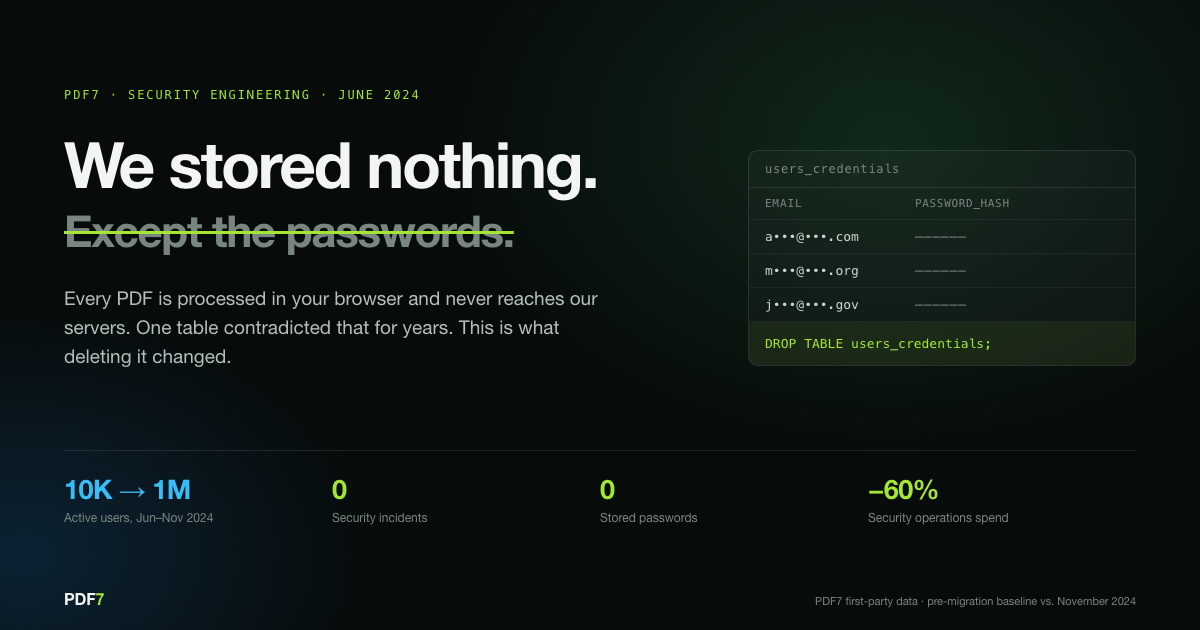
PDF7 stands out as a versatile, free online PDF toolkit offering features like merging, PDF compression, and format conversion (e.g., HEIC, JPG, Word). It integrates advanced AI tools that assist with summarization and paraphrasing, making it ideal for those who need comprehensive editing and manipulation capabilities. The user-friendly interface ensures that even novices can navigate it with ease.
Pros & Cons
Pros
Free access to numerous tools
User-friendly interface
Strong security measures
Cons
Limited advanced editing features compared to paid competitors
Entirely online-based, which may limit offline usage
Actionable Advice
To make the most out of PDF7, start by checking out the website and exploring the toolset available. Experiment with the various features such as merging documents or compressing PDFs for easy sharing.
Pricing
Free Plan: Free forever, with a limit of 5 uploads per month and 100 questions.
Paid Plan: Starts from $20 per month (billed yearly) for unlimited access and features.
2. EaseUS PDF Editor

Best for: Affordable editing for small businesses
EaseUS PDF Editor provides a powerful and cost-effective PDF editing solution tailored for small businesses. It includes full editing capabilities such as altering text, images, and forms, as well as OCR functionality to convert scanned documents into editable text. Its intuitive design makes it user-friendly, creating an efficient experience for those who require robust editing features without a hefty price tag.
Pros & Cons
Pros
Intuitive design for easy navigation
Powerful editing tools
Extensive support and resources
Cons
Limited mobile functionality
AI features are mostly online-based
Actionable Advice
If you're a small business, utilize the free trial to evaluate specific editing needs. Explore the OCR functions on scanned documents as they can significantly enhance your productivity.
Pricing
Free Plan: Free trial available.
Paid Plan: Starts from $79.95 per year.
3. Tenorshare PDNob
Best for: Users needing AI functionality
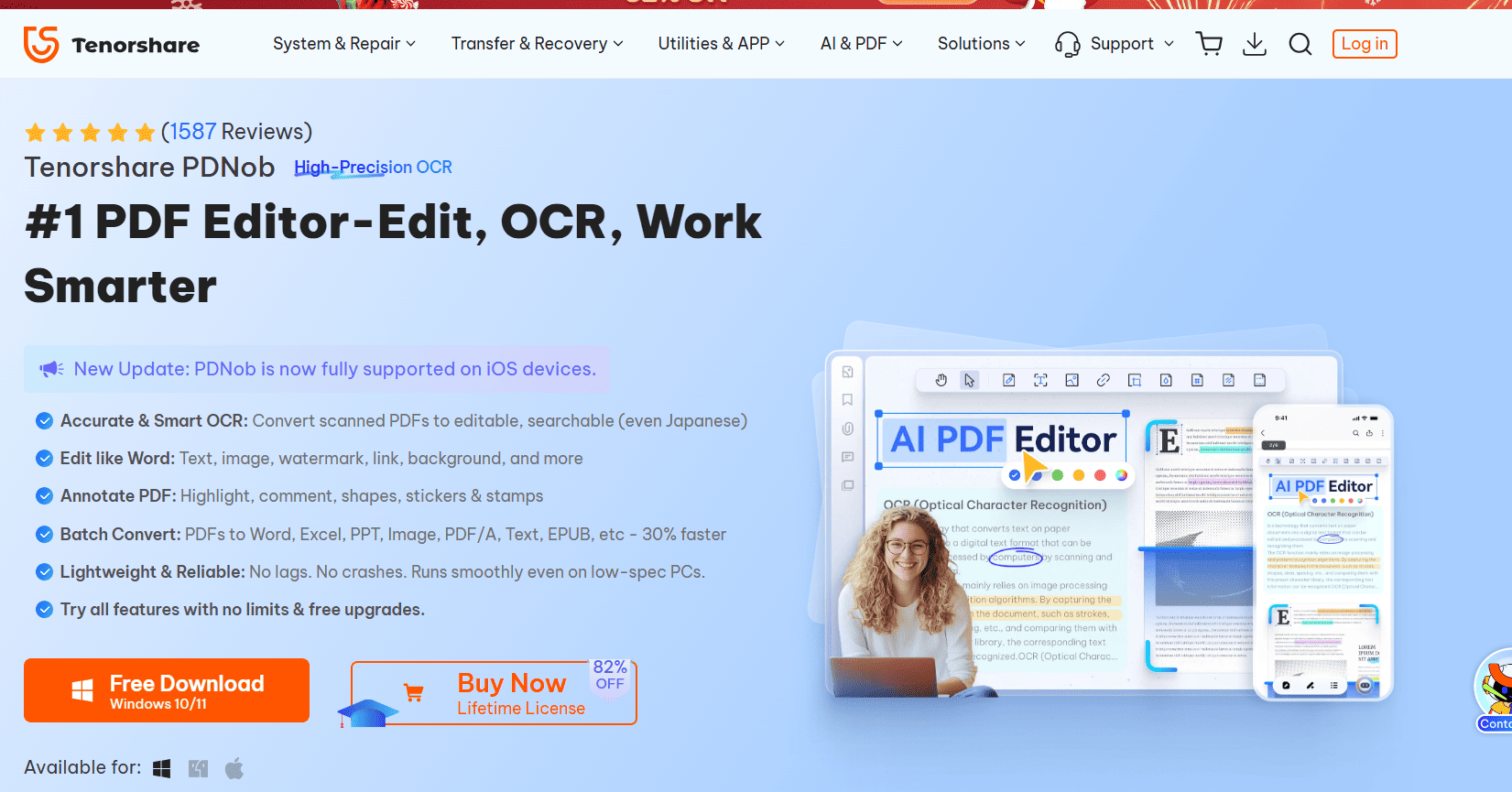
Tenorshare PDNob comes with powerful AI tools designed to enhance your editing experience. It features OCR capabilities, extensive format support for conversion, and password protection to secure sensitive documents. It’s particularly beneficial for users looking for a comprehensive suite of editing tools infused with AI assistance, perfect for both personal and professional use.
Pros & Cons
Pros
Simple interface that is easy to navigate
Great AI features enhancing productivity
Flexible pricing plans
Cons
The free trial might not showcase all features
May require a learning curve to explore advanced tools
Actionable Advice
Take advantage of the AI functions to streamline document processing. Consider subscribing to explore features that allow for deeper PDF customization.
Pricing
Free Plan: 7-day free trial available.
Paid Plan: Starts from $39.95 per year.
4. Smallpdf
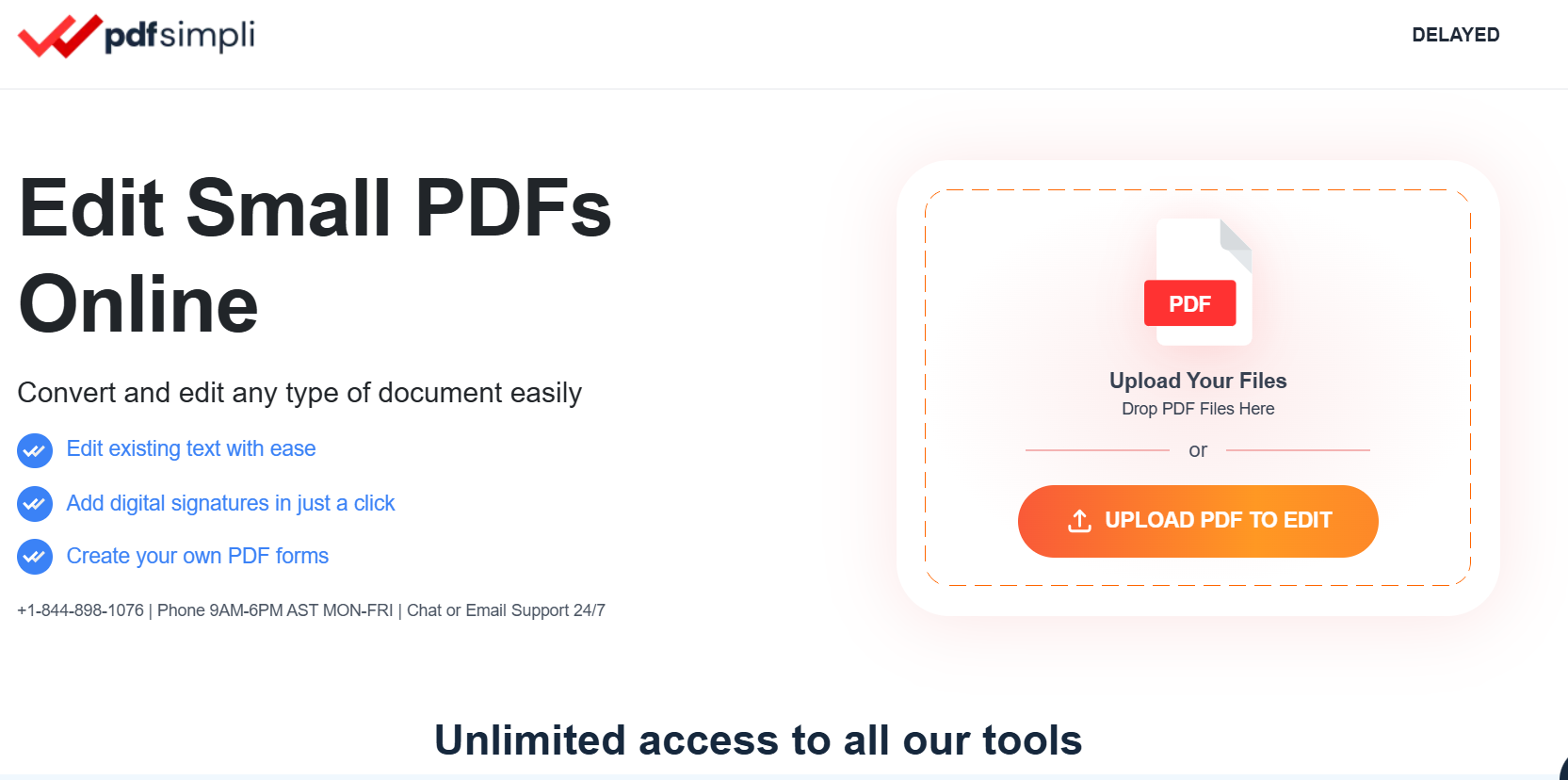
Best for: Quick online solutions for PDF management
Although we are seeking alternatives, Smallpdf remains a popular choice for many users needing quick online solutions for PDF management. It enables users to merge, compress, and convert PDFs and chat with PDFs. The tool integrates seamlessly with Google Workspace, making it particularly advantageous for users who require quick access to PDF solutions within their document workflows.
Pros & Cons
Pros
Extremely user-friendly interface
Integrates well with Google Workspace
Strong set of features for most users
Cons
Free version has limitations on daily usage
May lack advanced capabilities for heavy users
Actionable Advice
Use the available features for quick tasks like document conversions or minor edits. For extensive editing needs, consider opting for a trial or checking built-in guide resources.
Pricing
Free Plan: Limited free features including a document upload limit.
Paid Plan: Starts from $12 per month.
5. Foxit PDF Editor
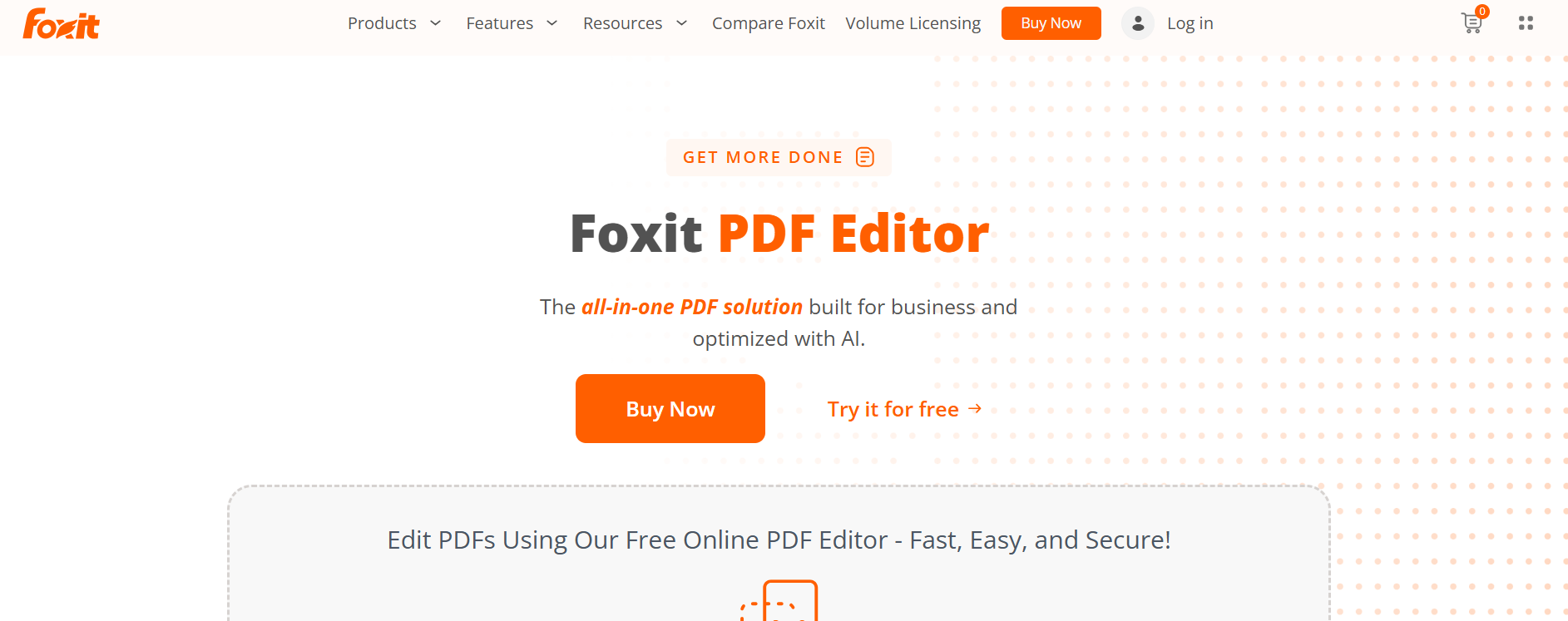
Best for: Professionals needing advanced features
Foxit PDF Editor is known for its advanced editing capabilities and strong performance. It offers tools for e-signature, form creation, and cloud storage integration, appealing to professionals who require a robust PDF editor without the high costs associated with competitors like Adobe. The tool’s fast performance and affordability make it a strong candidate for those looking to elevate their PDF management.
Pros & Cons
Pros
Fast performance and reliable
Comprehensive features at a lower cost
Flexible collaboration options
Cons
Learning curve for new users
Some advanced features might be overwhelming initially
Actionable Advice
Explore the trial version to understand advanced functionality. Get accustomed to e-signature features as they can enhance document turnaround times significantly.
Pricing
Free Plan: 14-day trial available.
Paid Plan: Starts from $7.99 per month.
6. Adobe Acrobat Reader
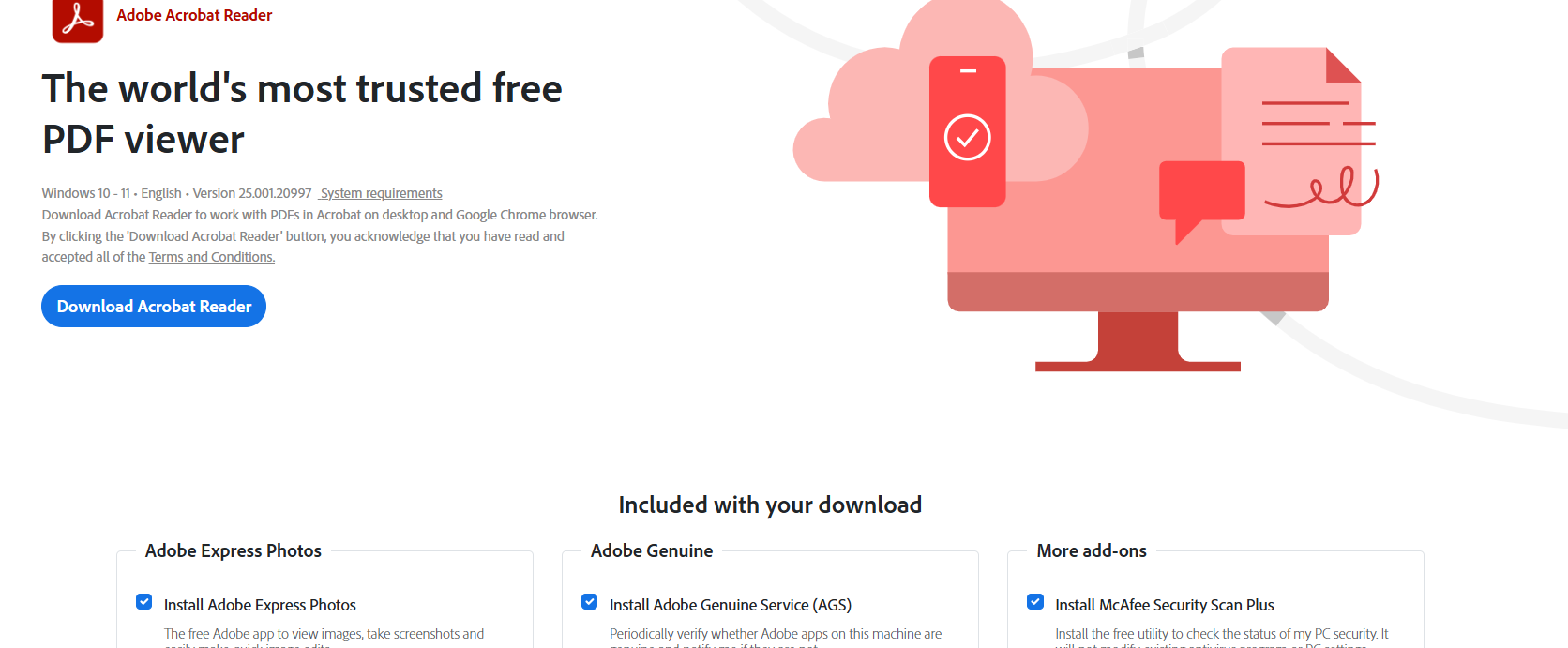
Best for: Industry-standard comprehensive tool
As the trusted name in PDF management, Adobe Acrobat Reader offers extensive features for editing, forms, e-signatures, and cloud integration. Although it comes with a higher cost compared to many alternatives, its robust capabilities and superior support make it a favorite among professionals who need an all-in-one solution for managing PDF documents.
Pros & Cons
Pros
Trusted brand with a reputation for quality
Comprehensive functionalities and support
Strong security measures
Cons
Higher price relative to competitors
Some advanced features can be complex for beginners
Actionable Advice
Make use of the extensive support resources to familiarize yourself with Adobe’s features. Utilize e-signature capabilities for seamless document handling, especially within business workflows.
Pricing
Free Plan: Limited free features available.
Paid Plan: Starts from $14.99 per month.
7. PDF Expert
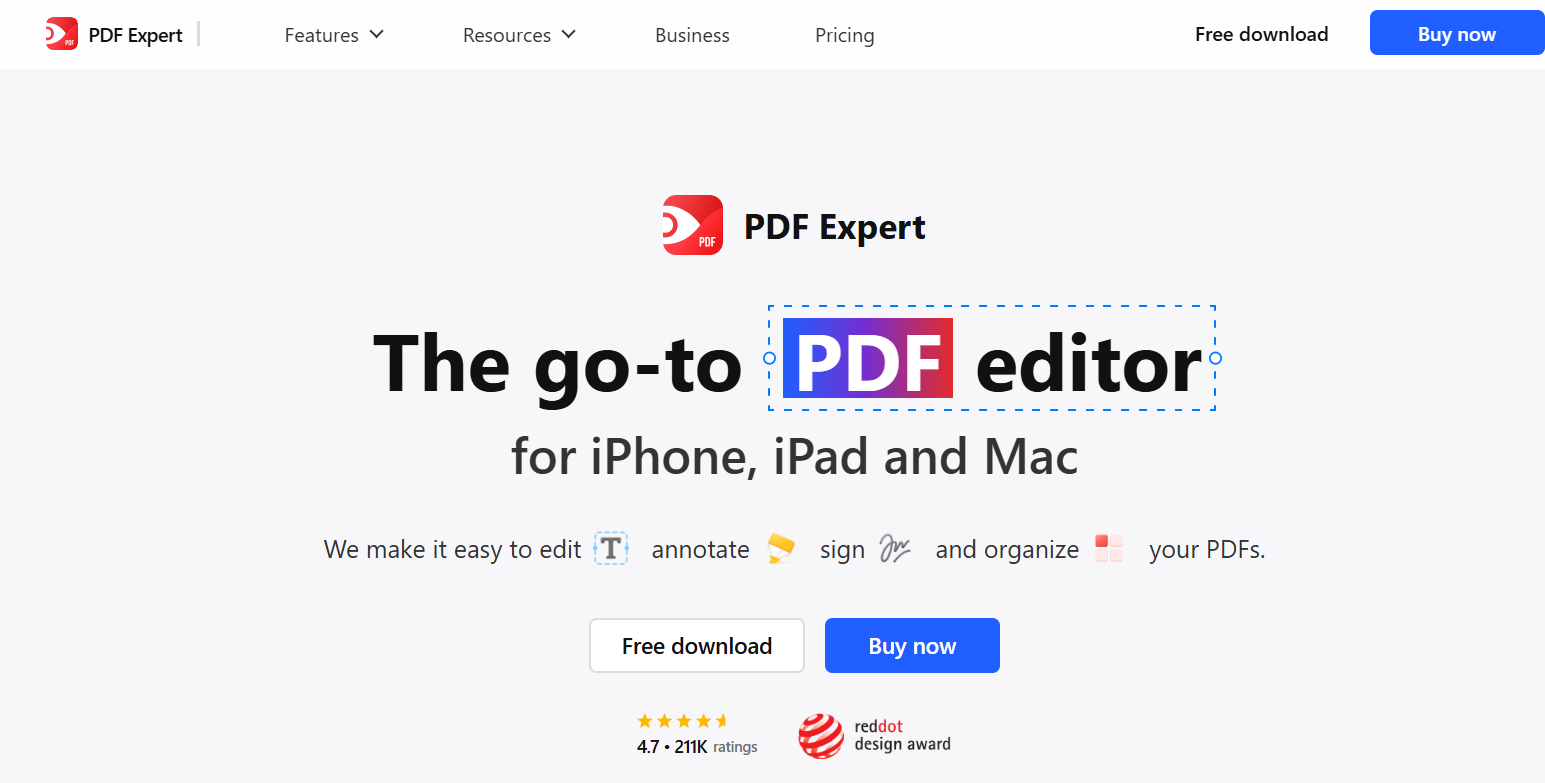
Best for: Strong PDF capabilities for Mac users
PDF Expert is designed specifically for Mac users, providing them with fast PDF handling along with an appealing interface. This tool allows easy editing, annotation, and form filling, which makes it an excellent choice for Apple device users. It reduces the struggle of dealing with complex PDF tasks while allowing users to remain productive.
Pros & Cons
Pros
Smooth functionality and performance
Perfectly integrates within MacOS ecosystem
Simple interface promoting ease of use
Cons
Limited to Apple products only
Pricing may be considered high for few features
Actionable Advice
Leverage its annotation features during meetings or collaborative work sessions. Familiarize yourself with PDF editing shortcuts to make the most out of its interface.
Pricing
Free Plan: Free trial is available.
Paid Plan: Starts from $79.99 per year.
8. PDFgear
Best for: Straightforward free solution
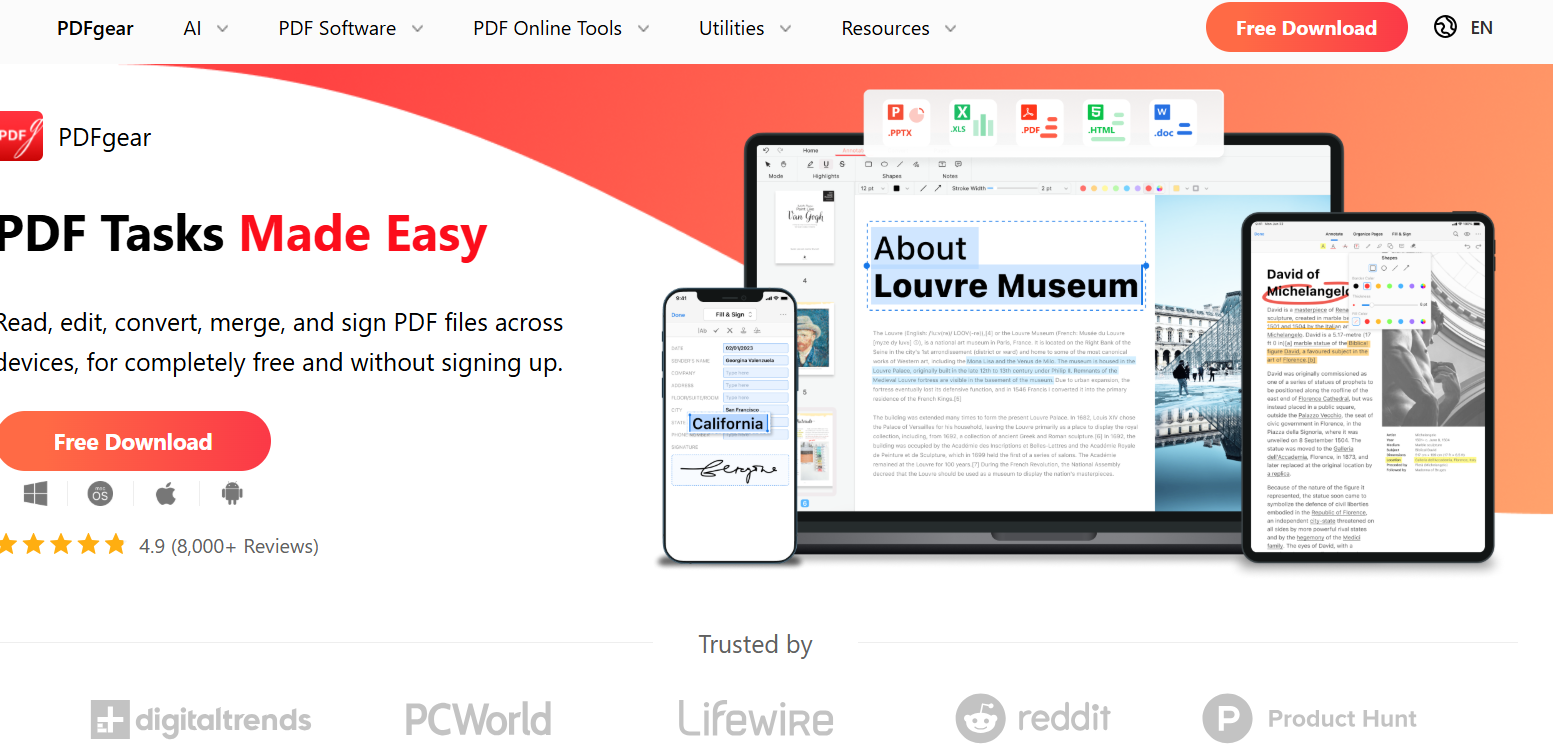
PDFgear presents a no-frills, free PDF management tool ideal for those who need basic editing and annotation features without needing to sign up. While it lacks the extensive functionalities present in paid tools, it remains a straightforward choice for users who prefer to keep things simple and effective.
Pros & Cons
Pros
Completely free and easy to access
No sign-up required for use
Simple and effective features
Cons
Limited feature set compared to paid tools
Might not satisfy advanced needs
Actionable Advice
Use PDFgear for quick edits or light tasks, such as viewing or annotating documents. For complex tasks, consider assessing other features available in competitor tools.
Pricing
Free Plan: Completely free to use.
Paid Plan: N/A
9. Soda PDF Online
Best for: Basic PDF management tools
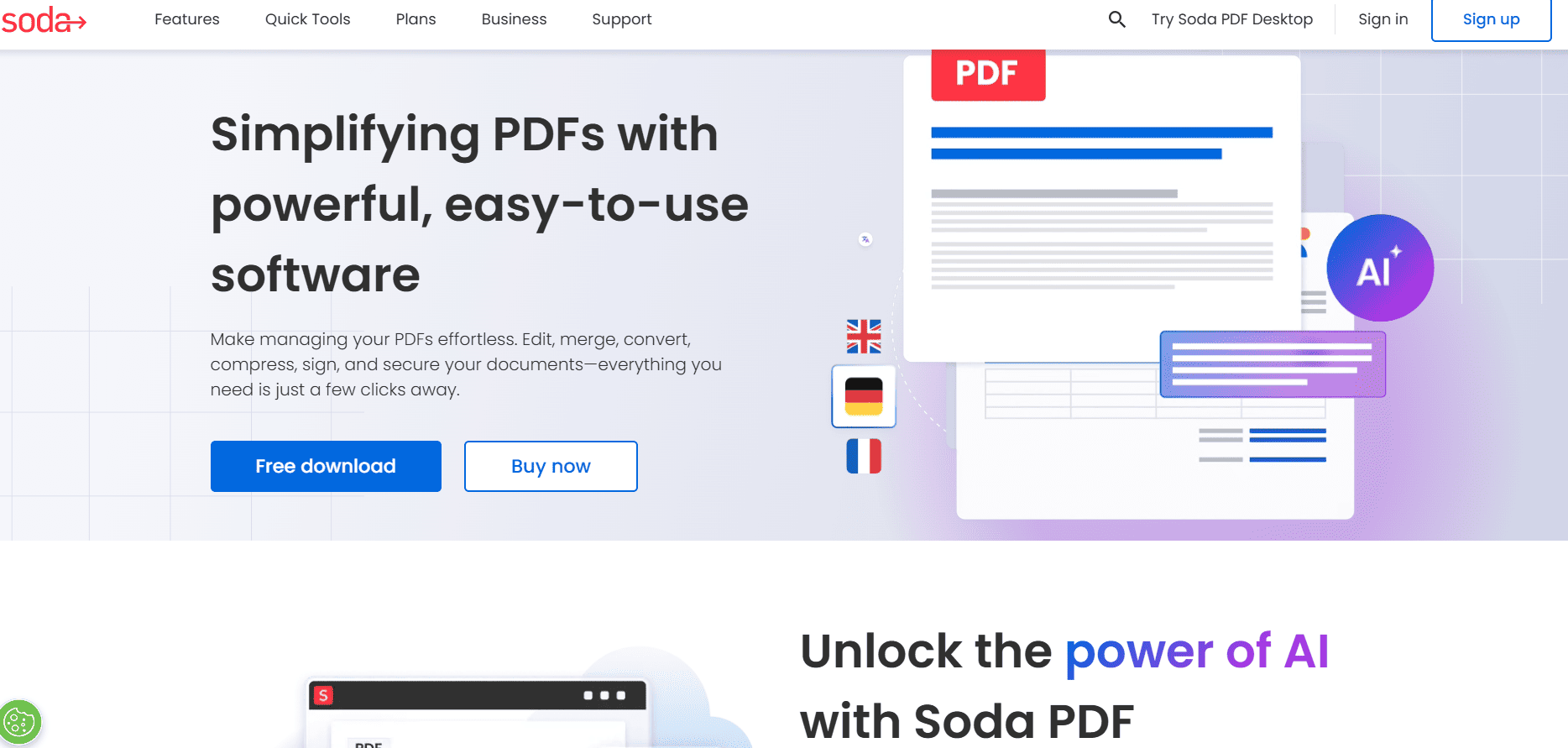
Soda PDF provides a rich user experience with tools for design, conversion, standard editing and removing annoying watermarks. These features make it suitable for individuals who require basic PDF management. However, performance might lag during heavy usage, so exploring the premium options can yield better experiences.
Pros & Cons
Pros
A variety of editing features available
Offers a good user experience
Provides both online and offline utilities
Cons
Performance can be slow in some scenarios
Free version limitations might discourage users
Actionable Advice
Consider the premium version for extensive editing needs, especially if you find the basic features intuitive and efficient for your workflow.
Pricing
Free Plan: 14-day trial available.
Paid Plan: Starts from $8.00 per month.
10. Nitro PDF
Best for: Comprehensive solution for businesses
Nitro PDF caters to businesses with a robust set of editing, conversion, and collaboration tools. It’s renowned for its strong customer support and rich set of features for managing PDFs effectively within teams. However, it comes with a higher price compared to some alternatives.
Pros & Cons
Pros
Excellent customer support available
Rich feature set for comprehensive PDF management
Good collaboration tools for team environments
Cons
Higher subscription cost
Interface can be complex for new users
Actionable Advice
Evaluate the collaboration features to see how Nitro can integrate into your business processes effectively. Utilize customer support resources to maximize your usage and efficiency.
Pricing
Free Plan: Free trial available.
Paid Plan: Starts from $9.99 per month.
Conclusion
Exploring Smallpdf alternatives uncovers many capable PDF tools that cater to different user needs and budgets. Free tools like PDF7 and PDFgear are excellent for basic tasks, while editors such as Foxit, EaseUS, and Adobe Acrobat provide robust editing, collaboration, and security features for professional use. AI-enabled options like Tenorshare PDNob add automation and efficiency for repetitive workflows. Evaluate each option based on the documents you handle most often—considering factors like OCR accuracy, batch processing, integrations, and overall cost—to choose the PDF solution that saves time and improves productivity.
Frequently Asked Questions
**1. What is the best free alternative to Smallpdf?
**PDF7 offers a versatile set of tools for free, making it one of the best alternatives available.
**2. Can I use PDF editing tools on my phone?
**Yes, many of the tools listed (such as PDF Expert and Soda PDF) have mobile-friendly versions or apps you can download.
**3. Are these alternatives safe to use?
**Most reputable tools offer strong security features, but always ensure you check their privacy policies to safeguard your documents.
**4. What's the pricing for these alternatives?
**Pricing varies widely, with completely free options like PDFgear and subscription plans starting around $7.99/month for more advanced features.