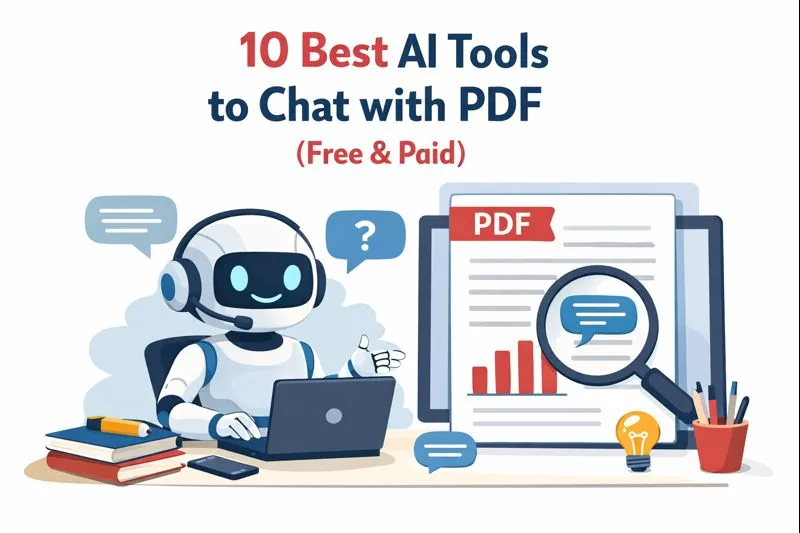
10 Best AI Tools to Chat with PDF (Free & Paid)

Introduction
AI-powered PDF chat tools transform static documents into interactive, conversational resources that save time and reduce manual searching. By letting you upload PDFs and ask natural-language questions, these assistants return concise summaries, cite sources, and surface context-aware answers in seconds. Designed for students, researchers, legal professionals, and business teams, the best platforms balance speed, accuracy, privacy, and collaboration. Some tools focus on cross-document analysis and citation-ready responses; others combine chat with editing features and API access for automated, high-volume workflows. Free plans let you experiment, while paid subscriptions unlock multi-file synthesis, document comparison, higher usage limits, and enterprise-grade security. When choosing a tool, consider the expected document volume, required citation quality, and how well the service integrates with your workflow. Use this guide to compare strengths, pricing, and ideal use cases so you can pick the AI PDF chat tool that streamlines research, improves comprehension, and fits your team’s needs.
Key Takeaways
AI PDF chat tools turn documents into searchable, conversational knowledge bases.
Free tiers enable testing; paid plans add multi-file synthesis, APIs, and enterprise features.
Tools vary by audience: students, researchers, legal pros, and businesses have different needs.
Prioritize accuracy, privacy, and integration when selecting a platform.
Try two or three tools to evaluate response quality, citation reliability, and team collaboration features.
Whether you are a student seeking quick insights, a researcher navigating complex studies, or a business professional looking to streamline documentation, these AI tools offer something for everyone. Let's explore the best options available, both free and paid, that can enhance your productivity and ability to interact with PDFs.
Quick Look
1. Pdf7app
2. Sharly AI
3. ChatDOC
4. ChatPDF
5. AskYourPDF
6. Consensus
7. docAnalyzer.AI
8. Docsumo
9. LightPDF
10. PDF.ai
Why It Matters
The proliferation of data in the form of PDFs has made accessing necessary information cumbersome. AI chat tools not only simplify this process but also make it more efficient and accessible. They can transform how we interact with documents, turning what was once a tedious task into a quick and engaging conversation. As we transition into an era where information is at our fingertips, these tools empower users to leverage technology in a meaningful way, allowing for better decisions, enhanced learning, and improved productivity.
Comparison Table
| Tool Name | Best For | Free Plan/Trial | Starting Price |
|---|---|---|---|
| Pdf7.app | Fast document interaction | Yes | For usage |
| Sharly AI | Cross-document analysis | Yes | $15/month |
| ChatDOC | Legal and research documents | Yes | $89.9/year |
| ChatPDF | PDF summarization and citation | Yes | Free |
| AskYourPDF | AI-powered PDF summarization | Yes | $11.99/month |
| Consensus | Academic research insights | Yes | $19/month |
| docAnalyzer.AI | Context-aware document querying | Yes | $20/month |
| Docsumo | Business document processing | Yes | $15/month |
| LightPDF | PDF editing and chatting | Yes | Free |
| PDF.ai | Educational interactions | Yes | Free |
1. PDF7.app
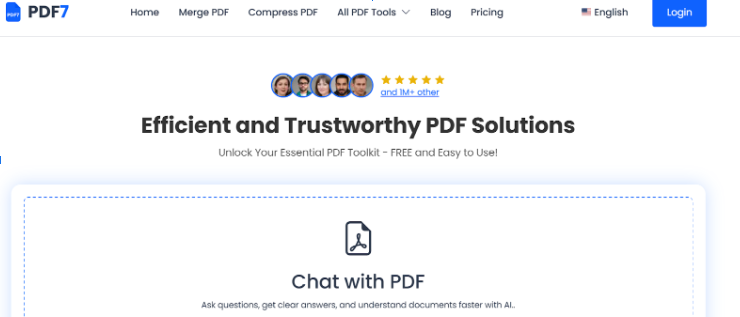
Best For: Fast and simple PDF interaction
PDF7.app is a lightweight, browser-based AI tool that allows users to upload PDFs and instantly interact with them through a chat-style interface. Designed for speed and simplicity, it enables users to ask questions, summarize content, and extract key information without downloading software or creating complex workflows. The tool focuses on quick document understanding, making it ideal for students, professionals, and casual users who need fast answers from PDFs.
PDF7.app processes documents efficiently and supports common PDF use cases such as summarization, question answering, and content exploration. Its clean interface and minimal setup make it especially useful for one-off tasks and everyday document queries.
Pros & Cons
Pros:
Fast PDF upload and processing
Simple, user-friendly interface
No installation required (works in-browser)
Useful for quick summaries and Q&A
Cons:
Limited advanced features for large-scale or enterprise use
Fewer customization and integration options
Not designed for heavy multi-document workflows
Pricing
Free Plan: Available (with usage limits)
Paid Plan: Varies based on usage and features
2. Sharly AI
Best For: Cross-document analysis
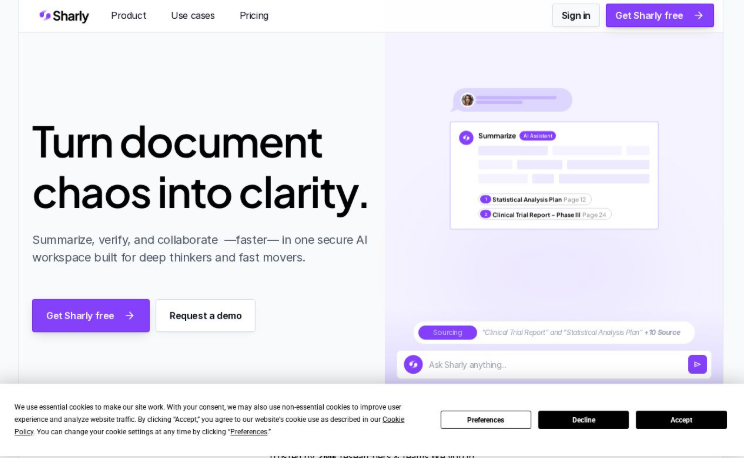
Sharly AI leverages OpenAI technology to provide users with an intuitive platform for cross-document analysis. The tool is designed to facilitate seamless sharing of conversations and insights across various platforms, making it especially beneficial for team collaborations. Sharly AI allows users to extract and connect knowledge from multiple documents, enabling a comprehensive understanding of complex topics or projects.
Pros & Cons
Pros:
Facilitates collaborative document analysis
Strong AI integration for accurate results
Easy to navigate and use
Cons:
Limited free version features
Some advanced features come at a higher price
Actionable Advice
Use Sharly AI to compile documents related to a specific project or research topic. Take advantage of its cross-document capabilities by asking questions that connect insights from various sources, providing a more holistic view.
Pricing
Free Plan: Available with basic features
Paid Plan: Pro at $12.50/month (billed yearly) - unlimited uploads and more sophisticated features
3. ChatDOC
Best For: Legal and research documents
ChatDOC is tailored specifically for users who need assistance with legal and complex research documents. This tool lets you summarize files and query them with precision while ensuring that all answers are well-cited, which is crucial for legal and academic integrity. The platform's strength lies in its ability to provide accurate references, making it indispensable for lawyers, researchers, and academics.
Pros & Cons
Pros:
Excellent for legal and research applications
Well-cited responses
Robust comparison tools
Cons:
Potentially overwhelming interface for beginners
Annual pricing might deter casual users
Actionable Advice
To maximize ChatDOC, input your legal documents or reports early in the process, then interact by asking specific questions or for summaries of sections for quick reviews before detailed analyses.
Pricing
Free Plan: Not found
Paid Plan: Not found due to a failure to access the pricing page.
4. ChatPDF

Best For: PDF summarization and citation
ChatPDF is a free tool specifically designed for students and researchers looking to summarize PDFs. It supports multi-file communication, allowing users to paste multiple documents into a single chat, which enhances the user's ability to find insights quickly across various source materials. As a free option, it provides significant value without the financial commitment, making it popular among students.
Pros & Cons
Pros:
Completely free to use
Multi-file chat capability
Citations for responses enhance academic integrity
Cons:
Some functionalities may be limited compared to premium tools
Dependent on clarity of PDF text for summarization
Actionable Advice
When using ChatPDF, have your key documents ready and start by asking for summaries of the most relevant sections. This can help guide your deeper reading and research.
Pricing
Free Plan: Completely free to use
Paid Plan: Not found due to the pricing page being unavailable.
5. AskYourPDF
Best For: AI-powered PDF summarization
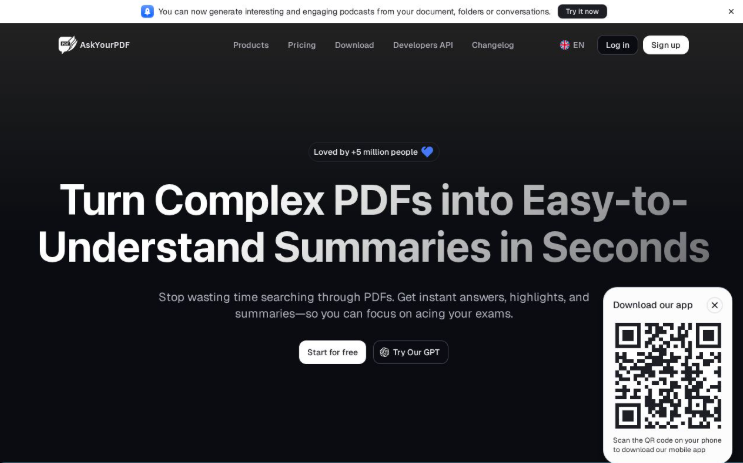
AskYourPDF is designed for users seeking quick summaries of their documents, utilizing powerful AI models to generate concise overviews and insights. This tool is particularly effective for individuals with extensive document libraries who need quick, actionable information without getting bogged down in the details.
Pros & Cons
Pros:
Fast, accurate summarization
User-friendly interface
Efficient document management
Cons:
The pricing is on a subscription basis which might not suit everyone
Limited features in the free version
Actionable Advice
Leverage AskYourPDF for your extensive reading assignments. Start by uploading your documents and letting the AI generate summaries, which saves time and aids in comprehension.
Pricing
Free Plan: Available with limited features
Paid Plan: Not found due to inability to scrape the noted page.
6. Consensus

Best For: Academic research insights
Consensus targets academic users by providing insights specifically from a vast database of research papers. It offers a unique approach that emphasizes scientific literature and facilitates quick investigations into topics relevant to users' studies. The platform's technology analyzes a multitude of research documents to deliver articulate, evidence-backed responses.
Pros & Cons
Pros:
Tailored for academic research
Evidence-based responses
Broad database of research papers
Cons:
Paid plans can be expensive
May require a learning curve for best usage
Actionable Advice
In academic settings, use Consensus when preparing for papers or projects to quickly obtain citations and gain insights based on reputable sources.
Pricing
Free Plan: Available with basic Quick Search
Paid Plan: Pro at $10/month or $120/year - unlimited searches and additional features
7. docAnalyzer.AI

Best For: Context-aware document querying
docAnalyzer.AI is an innovative platform focused on providing context-aware interactions for documents. The tool combines multiple AI models to facilitate user queries while ensuring data confidentiality is a priority. This means users can safely interact with sensitive documents without concern for privacy breaches.
Pros & Cons
Pros:
Context-aware interactions enhance user experience
Strong emphasis on data privacy
Versatile document support
Cons:
Subscription costs could accumulate
Interface may be complex for new users
Actionable Advice
To get the best out of docAnalyzer.AI, take time to familiarize yourself with its functionalities. Start by uploading a few different types of documents to see how it handles them before diving into more extensive use.
Pricing
Free Plan: Free community version allowing limited uploads
Paid Plan: Basic at $5/month, Pro at $10/month
8. Docsumo

Best For: Business document processing
Docsumo provides powerful machine learning capabilities to streamline data extraction from various document types like invoices, contracts, and forms. The tool emphasizes productivity by automating tedious tasks, enabling users to focus on more strategic initiatives.
Pros & Cons
Pros:
Strong data extraction capabilities
Designed for business efficiency
Robust automation tools
Cons:
Learning curve for new users
Premium pricing may deter small businesses
Actionable Advice
Incorporate Docsumo into your business processes by starting with the most frequent types of documents you handle, allowing the AI to learn and automate those tasks for efficiency.
Pricing
Free Plan: Not detailed
Paid Plan: Growth at $10/month for basic tools
9. LightPDF
Best For: PDF editing and chatting
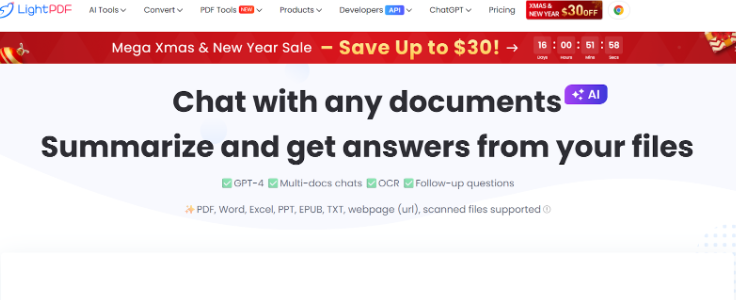
LightPDF not only allows users to chat with PDFs but also provides editing capabilities, making it a more versatile tool. Users can convert files, annotate text, and interact in real time with their documents. The platform emphasizes language support, enabling users to work with texts in different languages for a diverse audience.
Pros & Cons
Pros:
Multifunctional tool combining chat and editing
Strong language support
Intuitive interface for users
Cons:
Some advanced features only available on paid plans
May have a limited feature set compared to standalone tools
Actionable Advice
Explore LightPDF's editing functionality alongside its chat capabilities. You can enrich your documents and then leverage the AI to enhance comprehension and insights during team editing sessions.
Pricing
Free Plan: Not fully accessible
Paid Plan: Not available due to a pricing page error.
10. PDF.ai
Best For: Educational interactions
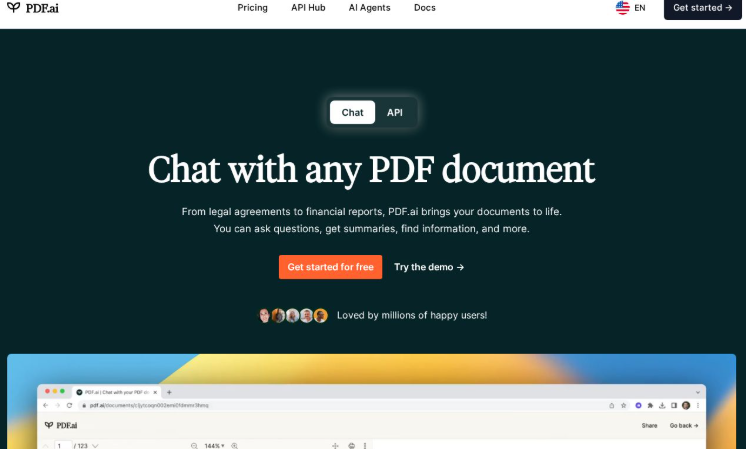
PDF.ai offers an engaging chat interface tailored specifically for educational purposes. This tool effectively assists students and educators in engaging with academic materials in a conversational manner, allowing for deeper comprehension and immediate feedback.
Pros & Cons
Pros:
Tailored for educational engagement
Effective in crafting questions and summaries
User-friendly and intuitive interface
Cons:
May lack some advanced features found in premium tools
Free version may have limited access to features
Actionable Advice
Utilize PDF.ai to create interactive study sessions. Upload your course materials and use the chat features to quiz yourself or clarify complex topics, enhancing your learning experience.
Pricing
Free Plan: Receipt of pricing not available
Paid Plan: Not available due to scraping limitations.
Summary
AI PDF chat tools are reshaping document workflows by providing instant, conversational access to content across files. These platforms let users extract facts, generate summaries, and obtain citations without scanning pages manually. Student-focused tools emphasize free summarization and study help, while research-grade services offer cross-document analysis and citation fidelity. Businesses often prefer solutions with API access, batch processing, and automation for high-volume document handling. Most vendors provide free tiers for basic tasks; upgrading unlocks advanced capabilities like multi-file synthesis, document comparison, higher usage quotas, and improved security. When choosing a tool, assess accuracy, privacy policies, integration with existing apps, and the expected volume of documents. Testing multiple options helps reveal differences in responsiveness and citation quality. Ultimately, these AI assistants reduce time spent searching, boost comprehension, and help teams surface the most relevant information quickly—turning static PDFs into practical, time-saving resources that support smarter decision-making.
Frequently Asked Questions
Q1: Are these tools truly free to use?
While many of the tools listed offer free trials or plans, they often come with limitations such as fewer features or usage caps. It’s essential to review the specifics of each tool to determine what fits your needs best.
Q2: Can I chat with multiple document types using these tools?
Yes, most of the tools are designed to support multiple file types. It’s crucial to check each tool's specifications to see the range of documents you can work with.
Q3: What is the biggest advantage of using AI tools for PDF interaction?
AI tools streamline the process of retrieving information, saving you time and effort while providing quick summaries and interactive insights in a conversational format.
Q4: How do I choose the right tool for my needs?
Consider your primary use case – whether it’s for academic purposes, business document processing, or casual reading. Evaluate features, interface, and pricing to find the best fit for you.
Q5: Is there a limit to the number of documents I can upload?
Limits can vary by tool, and it’s advisable to check their documentation or support sections for specific restrictions regarding uploads or usage.