Document Conversion for Litigation Support
Learn how document conversion services and pdf tools help with litigation support, including ocr, file compression, and secure legal data management.
 Deepak Gupta5 min read
On this page
Key takeaways
- This article explores how converting files is super important for legal teams when they handle cases. We cover everything from ocr and bates labeling to making sure pdfs are compressed for easy storage. You'll learn how modern software helps lawyers manage huge amounts of data without losing their minds during discovery.
The basics of document conversion in legal cases
Ever wonder why lawyers still carry those massive accordion folders? It’s honestly a nightmare when you’re looking for one specific email in a sea of ten thousand pages.
Hard copies are just clunky. They take up physical office space that costs a fortune, and if a pipe bursts, your evidence is gone.
- Searchability issues: You can’t “ctrl+f” a physical box. In healthcare litigation, finding one specific patient record among thousands is basically impossible without digital tools.
- Risk of loss: Physical files get misfiled or damaged. According to Capitol Support Services, converting paper to electronic data helps businesses operate with much higher efficiency.
- Scalability: A retail chain facing a class action lawsuit can’t ship 500 boxes to every expert witness.
It’s basically the tech backbone that lets attorneys focus on the law while experts handle the files.
“Technology-based Trial Presentations have become the standard inside of our Courtrooms,” as noted by Capitol Support Services.
This means using an api to process huge batches of documents or using ocr to make scanned images searchable. In a finance fraud case, a technician might enlarge a specific line on a spreadsheet on a giant screen so the jury can actually see the “smoking gun.”

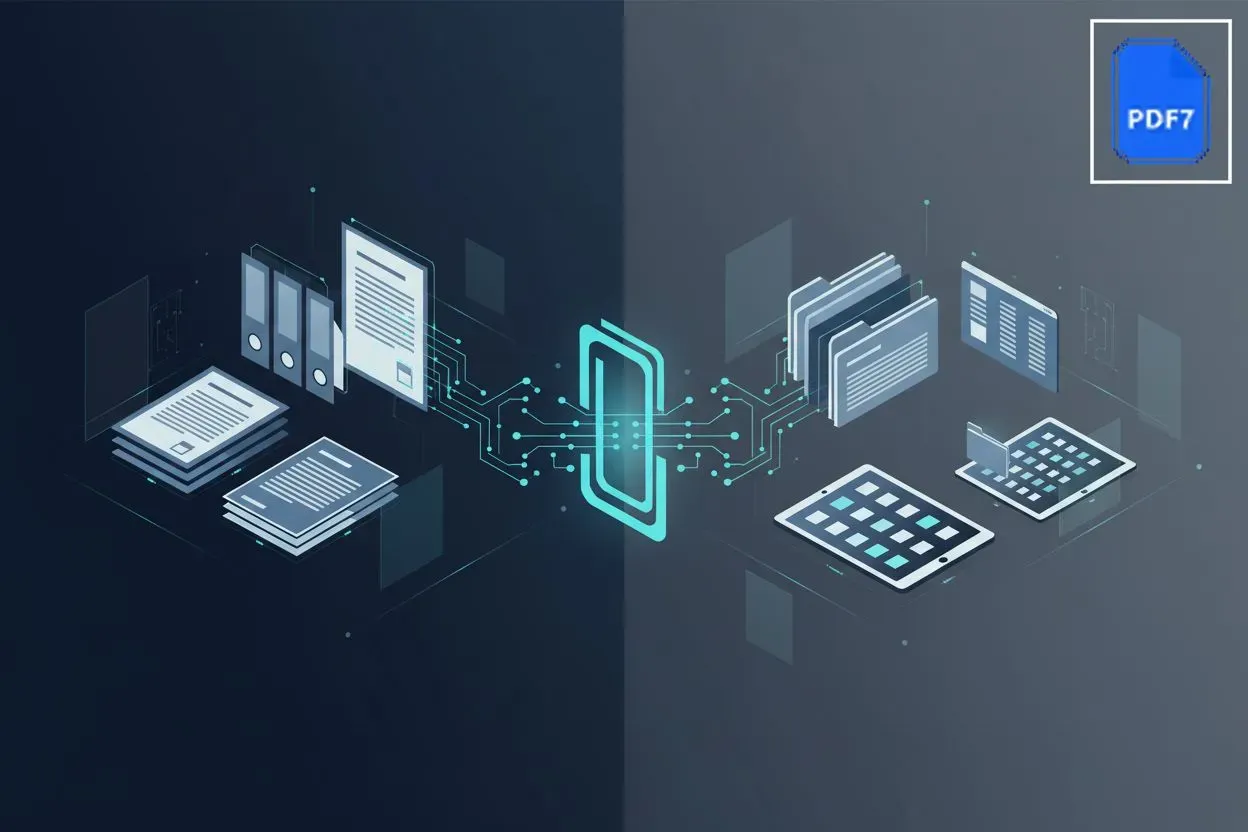
We’re moving away from heavy binders toward sleek, electronic trial presentations. Next, we’ll look at the actual tech used to make these files readable.
Essential tools for digital discovery
So you’ve got ten thousand files and a deadline that was yesterday. it’s funny how we think “digital” means “easy,” but a messy folder of random word docs and blurry scans is just a digital version of a basement fire.
When you’re dealing with different formats from retail logs to bank statements, you need a standard. converting everything to pdf isn’t just about making it look pretty; it’s about compliance. Most court systems won’t even let you upload a file unless it’s a specific pdf version.
- Compression is king: I’ve seen lawyers try to email a 500mb file and wonder why their outlook crashed. tools for file compression are life savers for getting those massive discovery sets into an email or a portal.
- Web-based utility: You don’t always need a $500 software suite. using an online tool like pdf7 lets you merge or split pages on the fly without waiting for IT to install some heavy program.
- Bates labeling: This is the “gps” of litigation. adding those unique serial numbers across thousands of pages ensures everyone in the room is looking at the exact same paragraph during a deposition.
Ever tried to search for a name in a photo of a receipt? You can’t. That is where ocr (optical character recognition) comes in. It basically reads the “image” of the text and turns it into actual data.
- ai-driven search: Modern text processing ai can scan through thousands of pages of healthcare records to find every mention of a specific medication in seconds.
- Repairing the broken: Sometimes a file gets corrupted during a transfer. repair solutions can often save a “dead” pdf that won’t open, which is way better than asking the opposing counsel for a re-send.

As previously discussed, these digital tools are what keep firms from drowning in data. Next, we’re gonna talk about how to keep all this sensitive info actually secure.
Key processes in legal document tech
Ever tried finding a single needle in a haystack of ten million documents? It’s even worse when every needle has a different name and the haystack is spread across five different offices.
Bates labeling is basically the “gps” for legal discovery. It’s that unique serial number you see at the bottom of every page in a lawsuit. If you don’t automate this, you’re looking at a nightmare of manual entry that’s bound to fail.
- Automation is key: Manual labeling is a recipe for disaster. Modern systems handle thousands of pages a minute, ensuring no numbers are skipped.
- Consistency: Whether it’s a retail receipt or a heart monitor log from a healthcare provider, everything gets the same numbering format.
- Cross-referencing: As mentioned earlier, this makes sure everyone—the judge, the witness, and the opposing counsel—is looking at the exact same line during a trial.
You can’t just dump a folder of raw emails into a court portal and hope for the best. You need “load files” that tell the ediscovery software how to read the metadata.
- Native to Image: We often convert native files (like a live excel sheet) into static images so the data can’t be accidentally changed.
- Medical niche: In some cases, you even have to deal with radiology image extraction, pulling x-rays out of proprietary viewers into something a jury can actually understand.
- Load file creation: This is the “map” that connects the text, the images, and the metadata so the database stays organized.

Honestly, without these backend processes, most big cases would just grind to a halt. Next up, we’ll talk about how to keep all this massive data secure so it doesn’t end up in the wrong hands.
Security and accessibility in litigation
Security is the part that keeps most legal tech experts up at night, because one leaked medical record or a missed redaction in a finance case can ruin a career. It’s not just about locking a door anymore; it’s about digital vaulting that actually works under pressure.
You can’t just email sensitive discovery files and hope for the best. Most firms now use secure web file transfers with end-to-end encryption to move data between parties. Before anything leaves the building, you gotta run redaction passes to scrub private info like social security numbers or private healthcare data.
As mentioned earlier by the team at Capitol Support Services, having a secure way to deliver data—whether via encrypted web portals or physical media—is basically the industry standard now. Honestly, if you aren’t using an api to automate some of this security checking, you’re just asking for a human error to happen.
Once the trial ends, you don’t just hit delete. You need closing binders that are actually readable ten years from now. Converting everything to pdf/a is the move here because it’s designed for long-term preservation.

Cloud services make it easy for teams to collaborate on these archives from anywhere, but you still need a solid indexing system so you aren’t digging through a digital “basement” in 2034. Legal tech isn’t just about winning today; it’s about making sure the data stays safe and accessible for the long haul.